Recipe
Size picker
A chip for every size, the chosen one filled in and sold-out ones marked. Add to cart adds exactly the size picked.
- A list of the product's choices
- Make it the current item
- A Chosen look
- Add to cart picks the choice
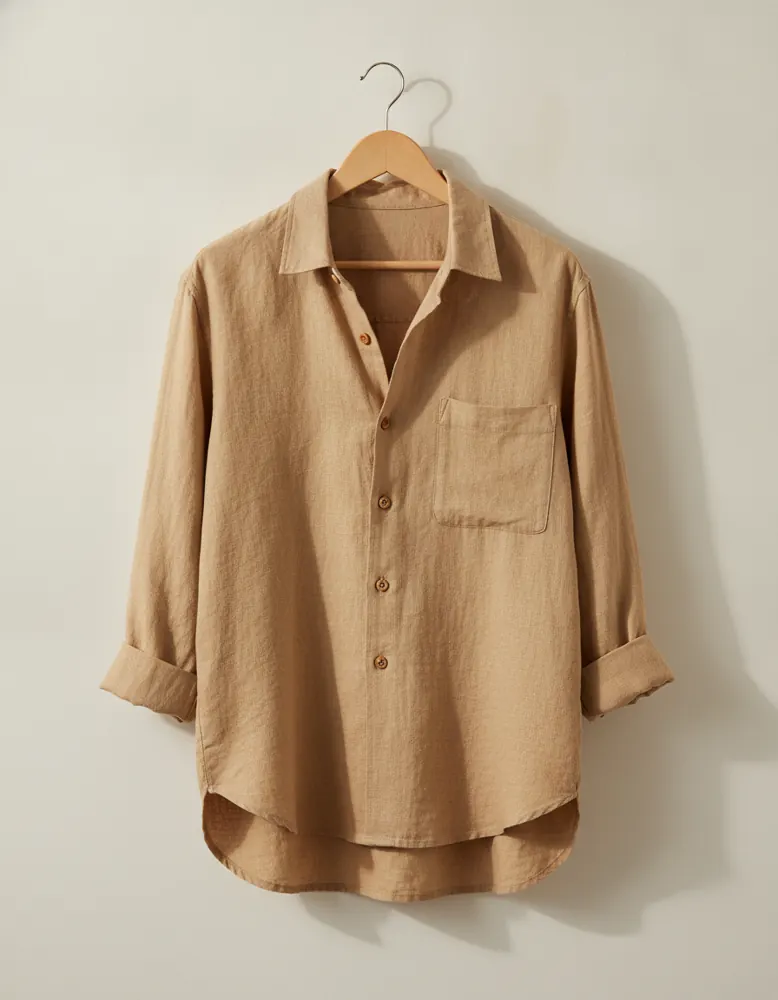
Linen Overshirt
$68.00
Size
XS
gone
S
M
L
XL
Open in the playground
It opens on a page of its own in the canvas, ready to change. No account needed.
Make it yourself
- Make a chip: a text with Shows set to Name, in a rounded box. Give it a Chosen look (a filled background), and make it a component.
- Add a small “gone” text inside the chip, set to Show it: Sold out.
- Make an Option component: a text that Shows the option's name, and a list of its choices (Records › Inside the item it sits in › choices) repeating the chip, with When one is clicked set to Make it the current item.
- On the product (a product page, or a card), add a list of the product's options repeating the Option component. A product with Size and Colour gets one row of chips each.
- Put Add to cart beside it. It adds whichever size is chosen; the first one in stock starts chosen.