Recipe
Shop with filters
A search box, a sort menu and a chip for each collection, all narrowing one list of products as the shopper types and clicks. It shows eight at a time, with Show more for the rest.
- Search box
- Sort menu
- Narrow a list to what belongs to it
- A page at a time, with Show more
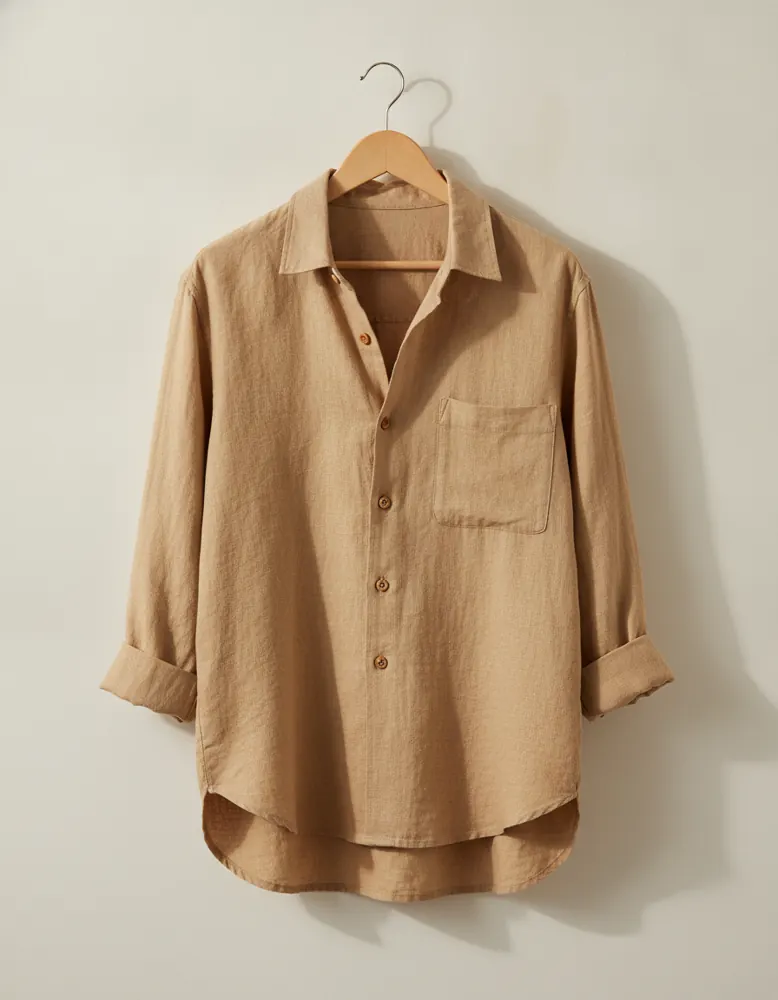
Linen Overshirt
$68.00
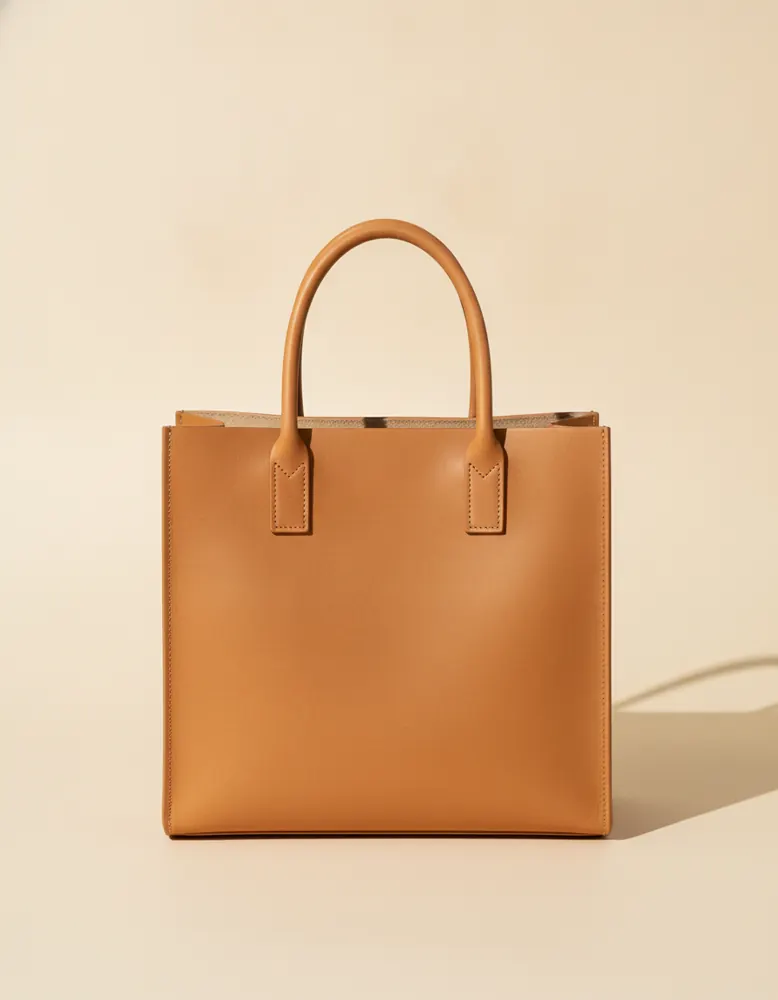
Leather Tote
$120.00
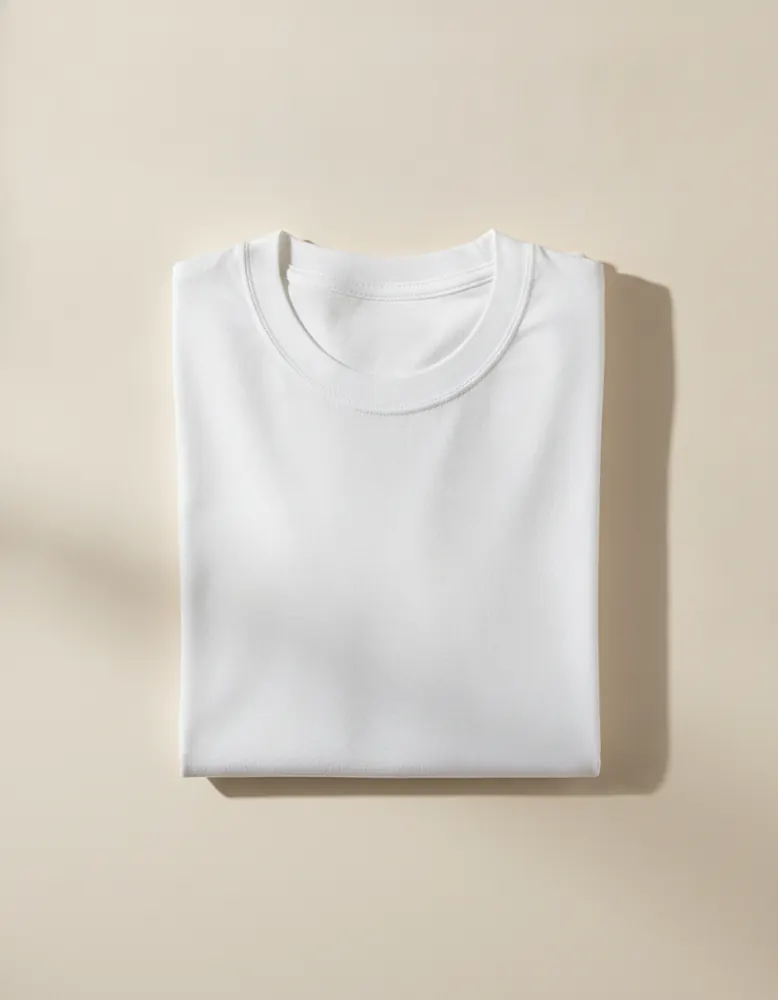
Heavy Cotton Tee
$32.00
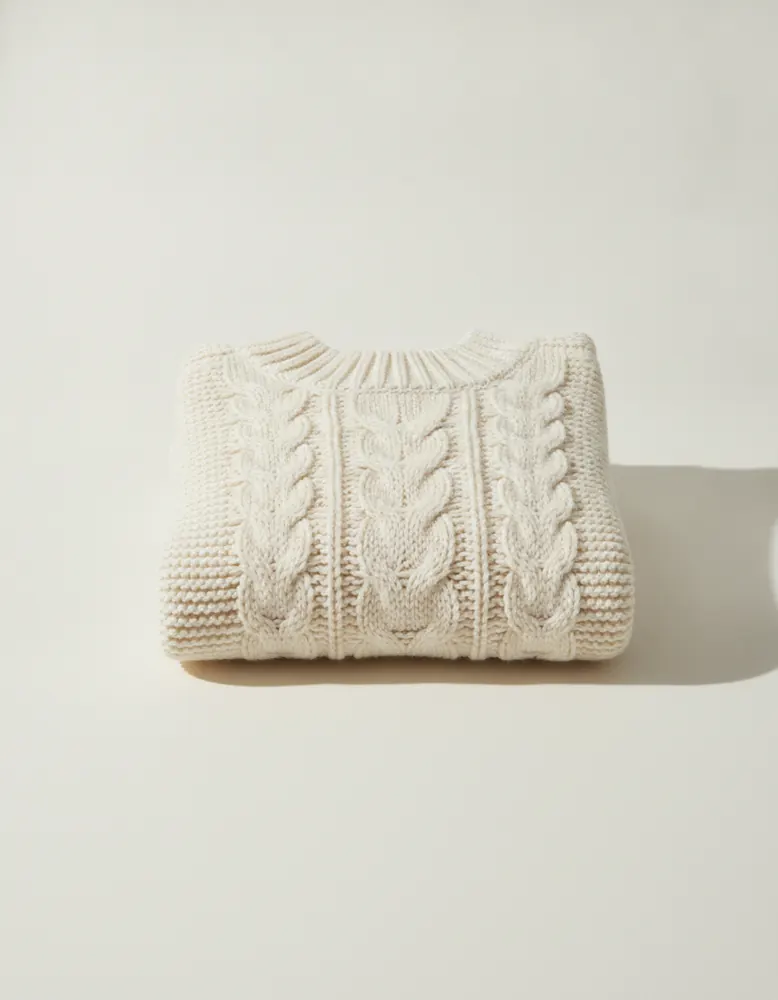
Cable Knit Sweater
$84.00
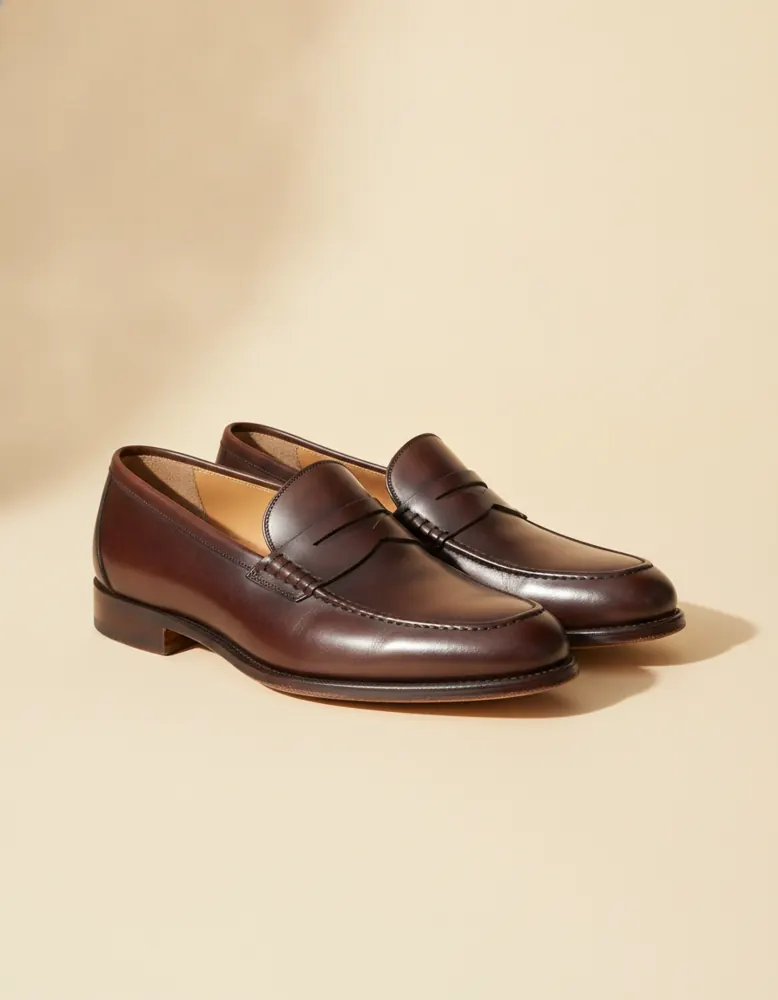
Penny Loafers
$140.00
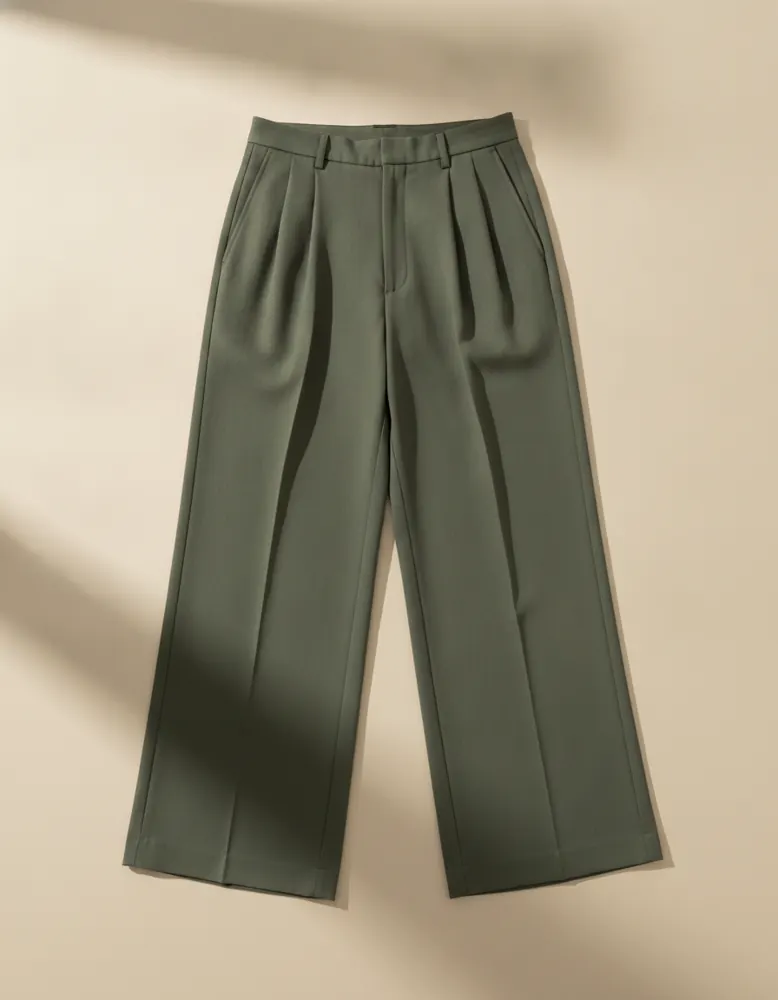
Pleated Trousers
$76.00
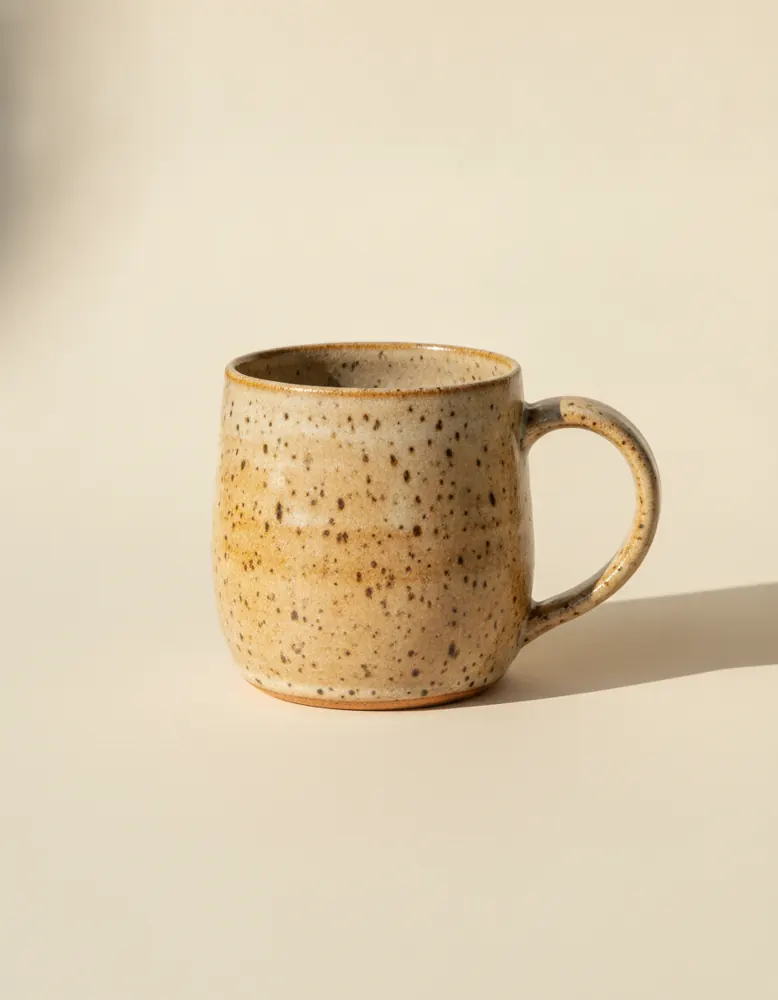
Stoneware Mug
$24.00
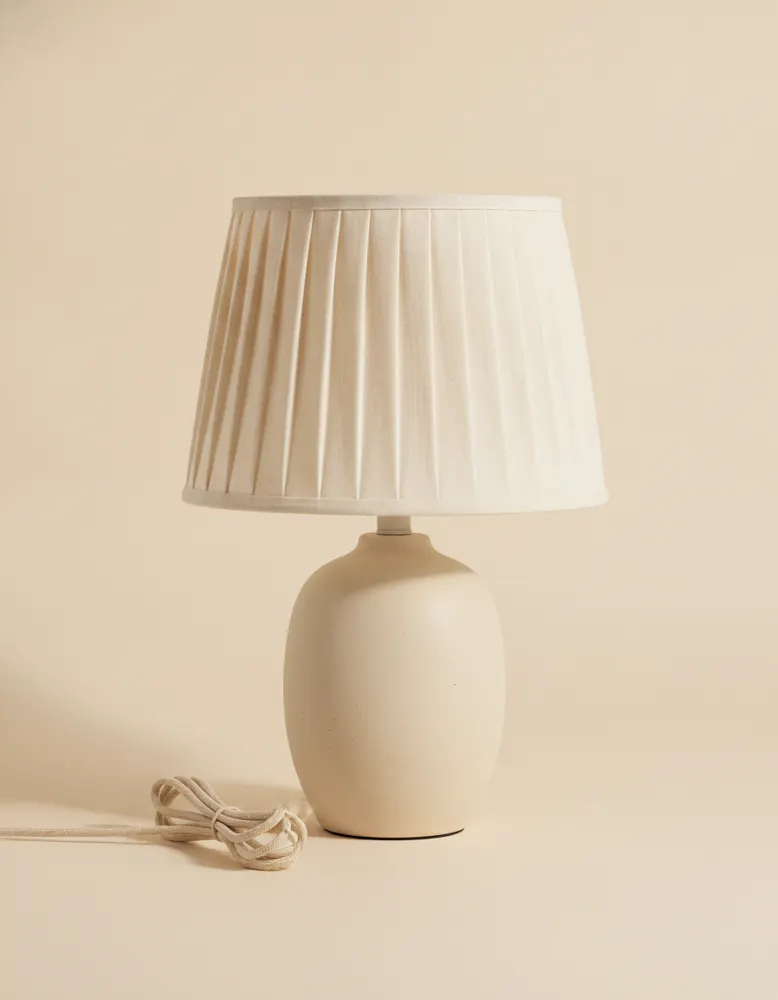
Pleated Table Lamp
$96.00
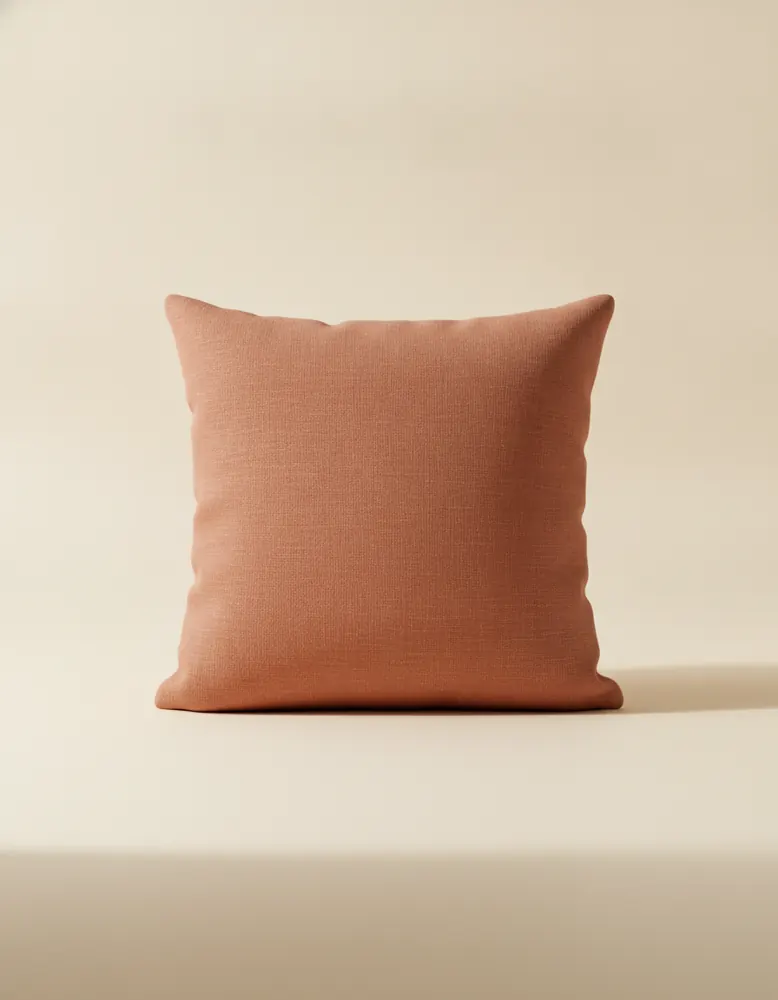
Linen Cushion
$38.00
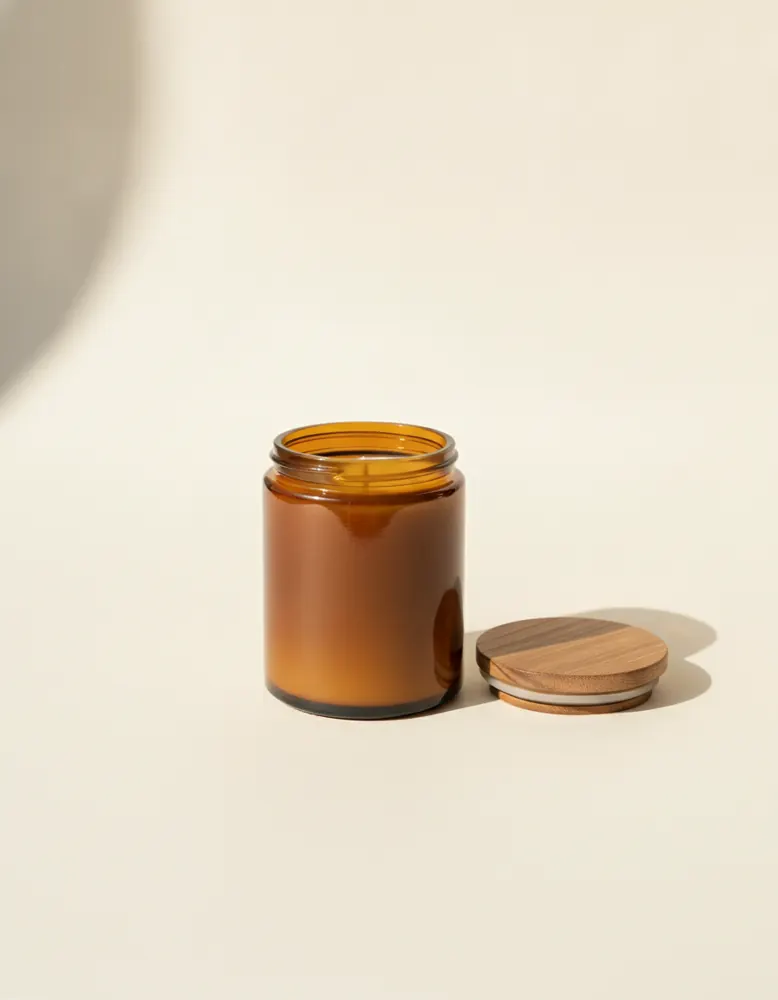
Soy Candle
$28.00
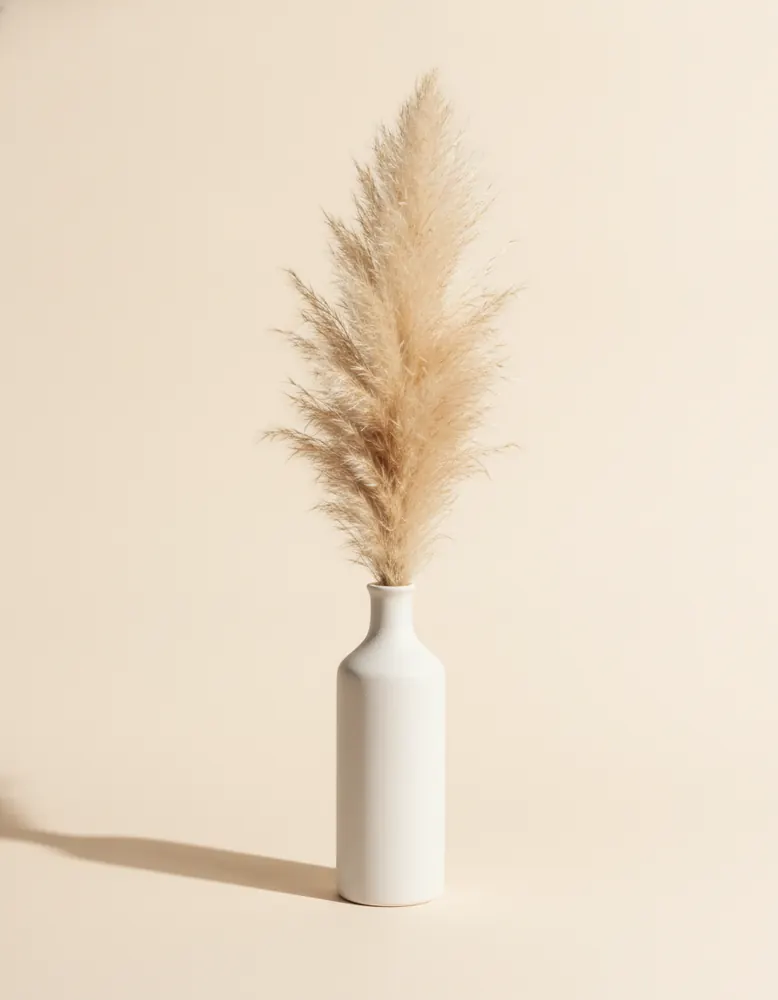
Ceramic Vase
$42.00
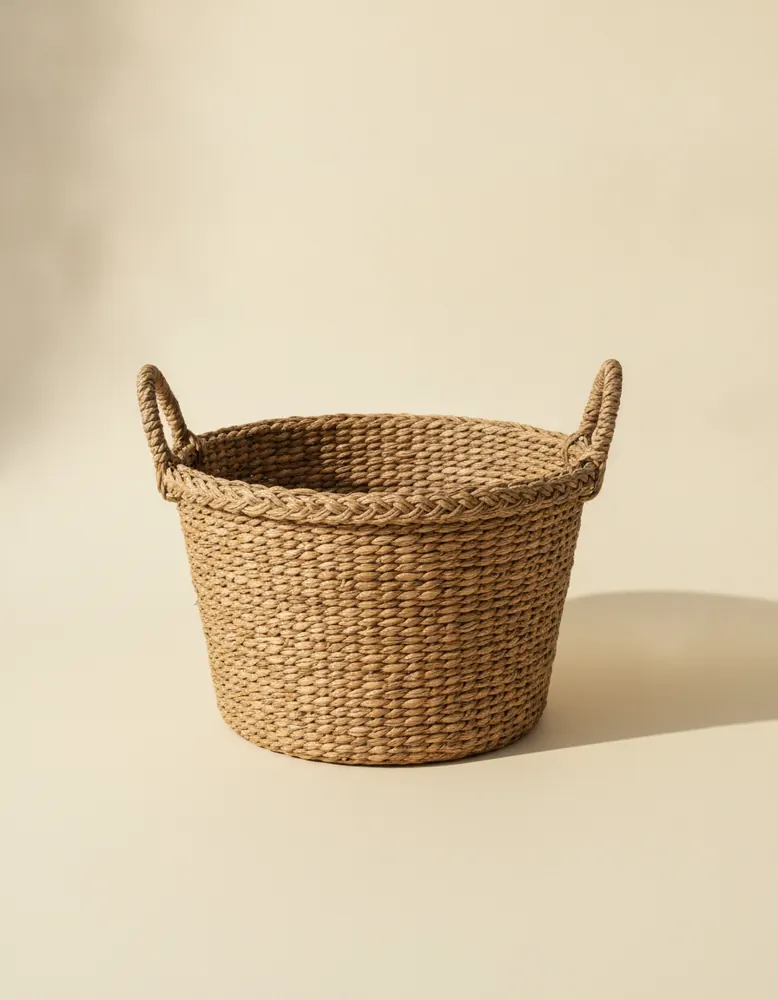
Rattan Basket
$34.00
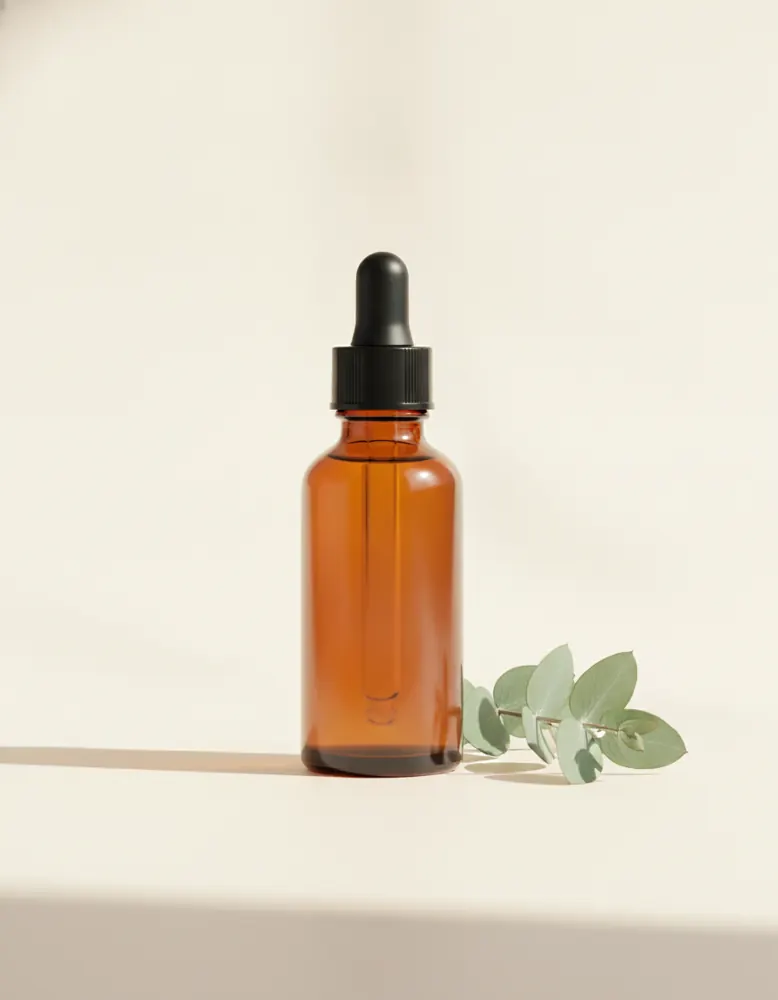
Daily Glow Serum
$38.00
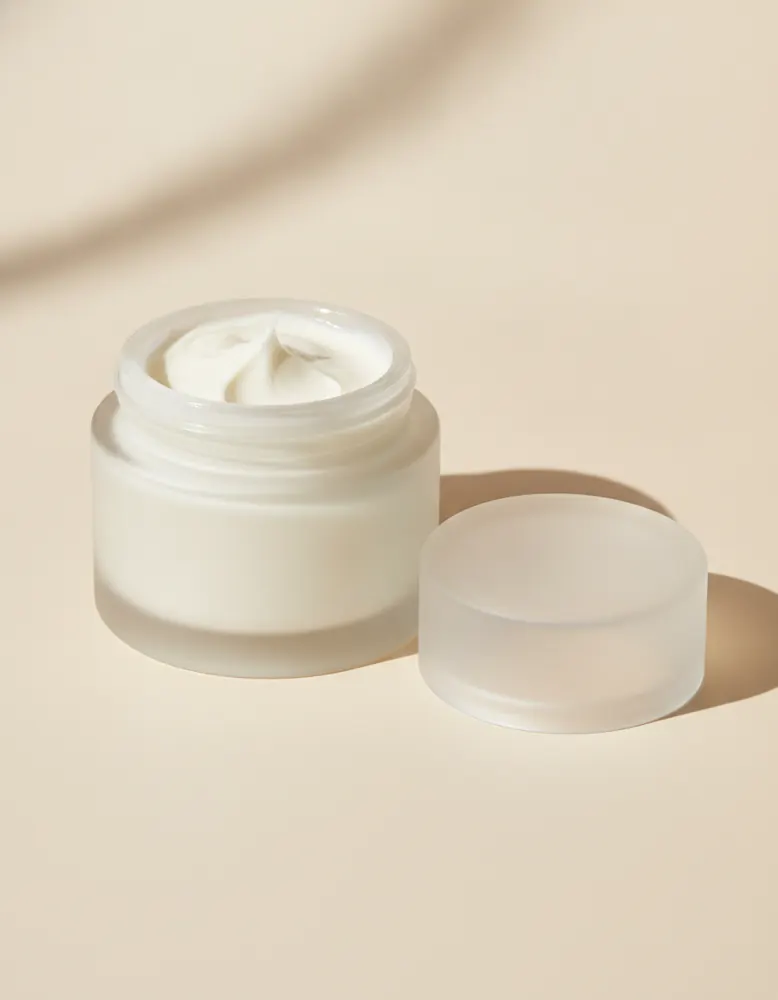
Rich Night Cream
$44.00
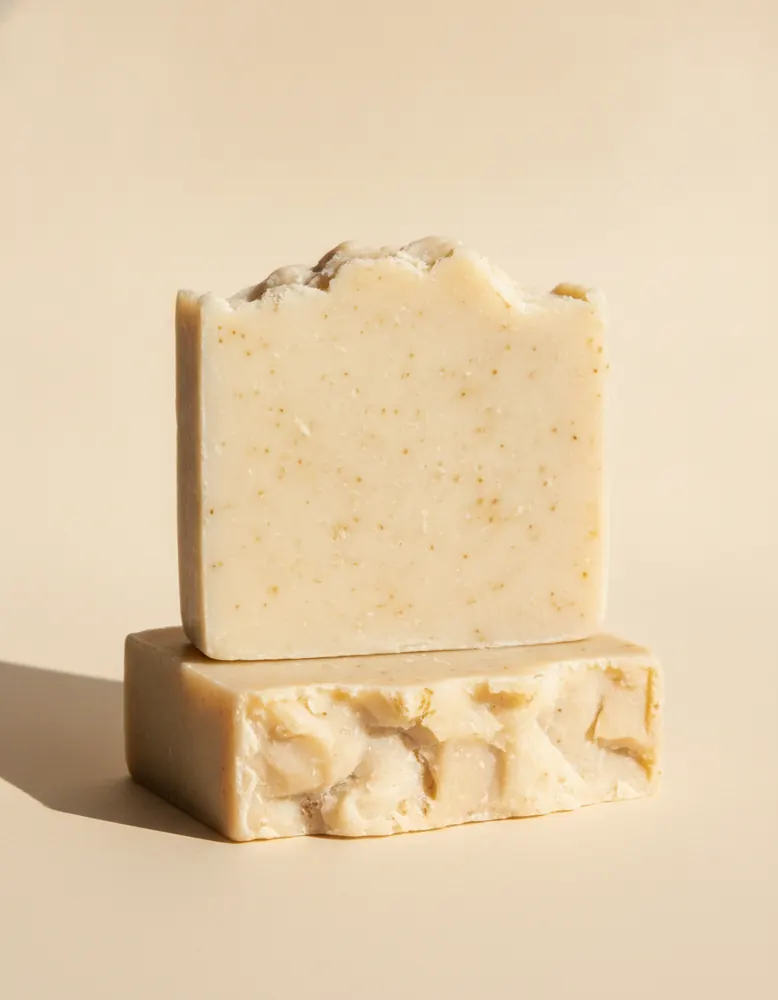
Shea Butter Soap (2)
$14.00
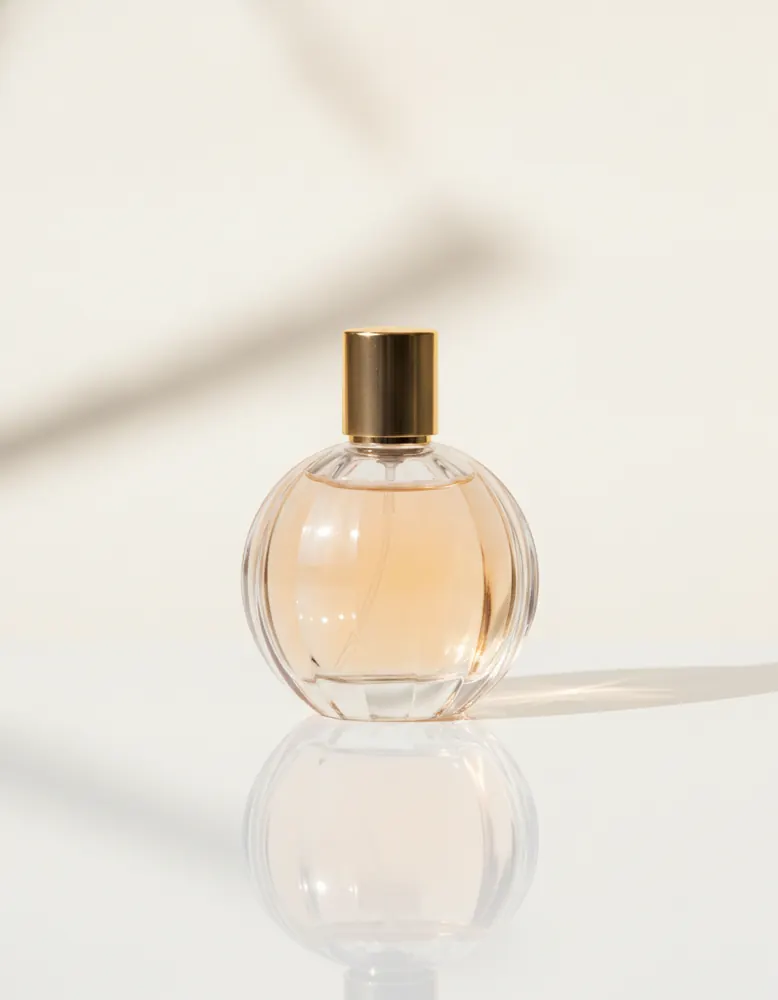
Eau de Parfum
$85.00
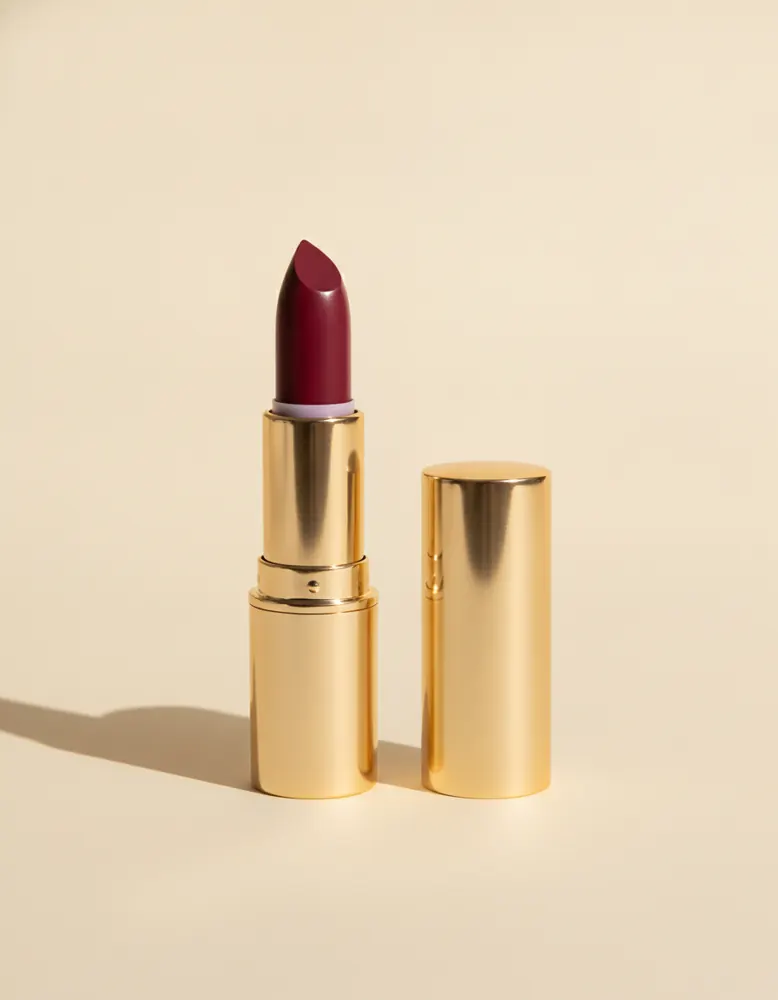
Satin Lipstick
$22.00
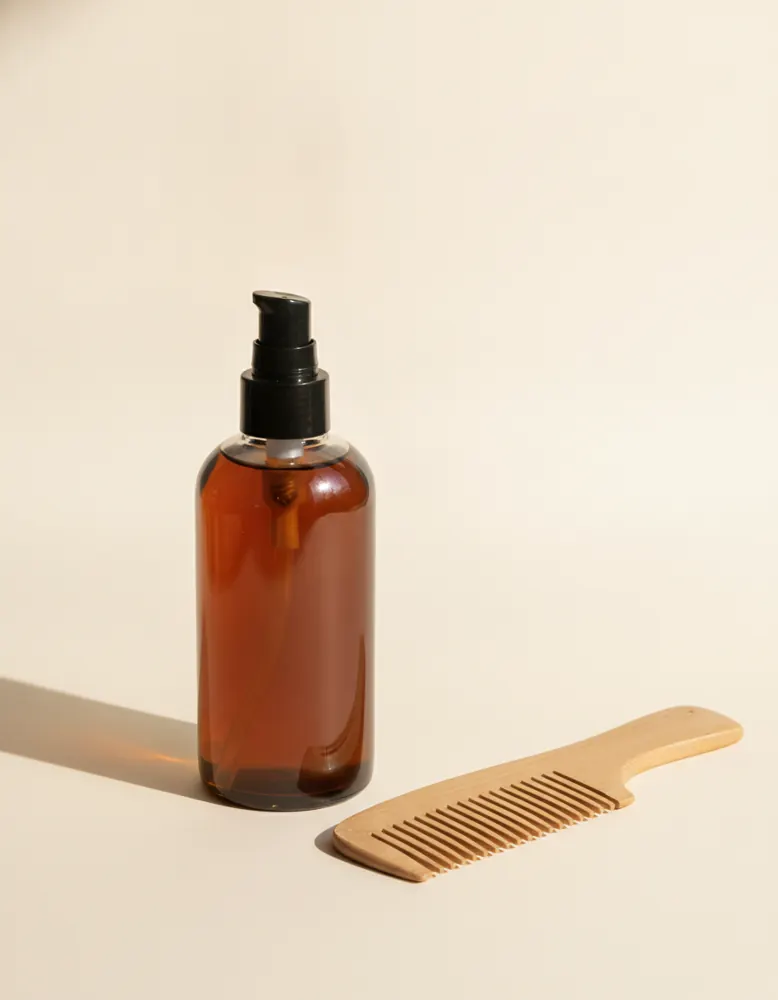
Nourishing Hair Oil
$26.00
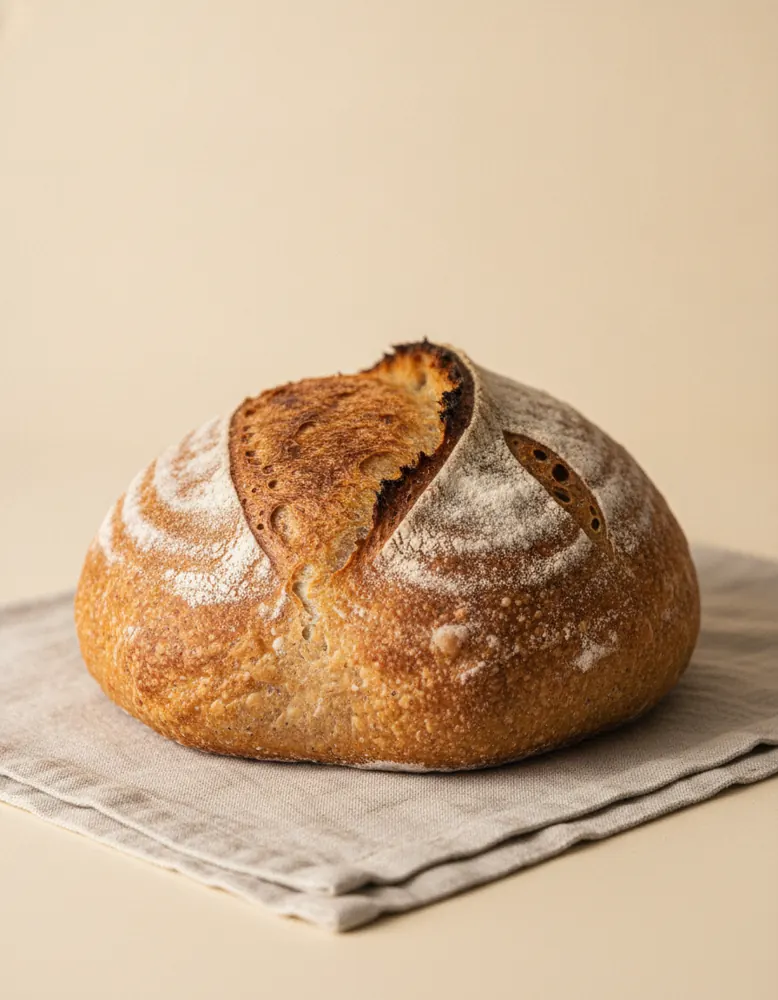
Sourdough Loaf
$9.00
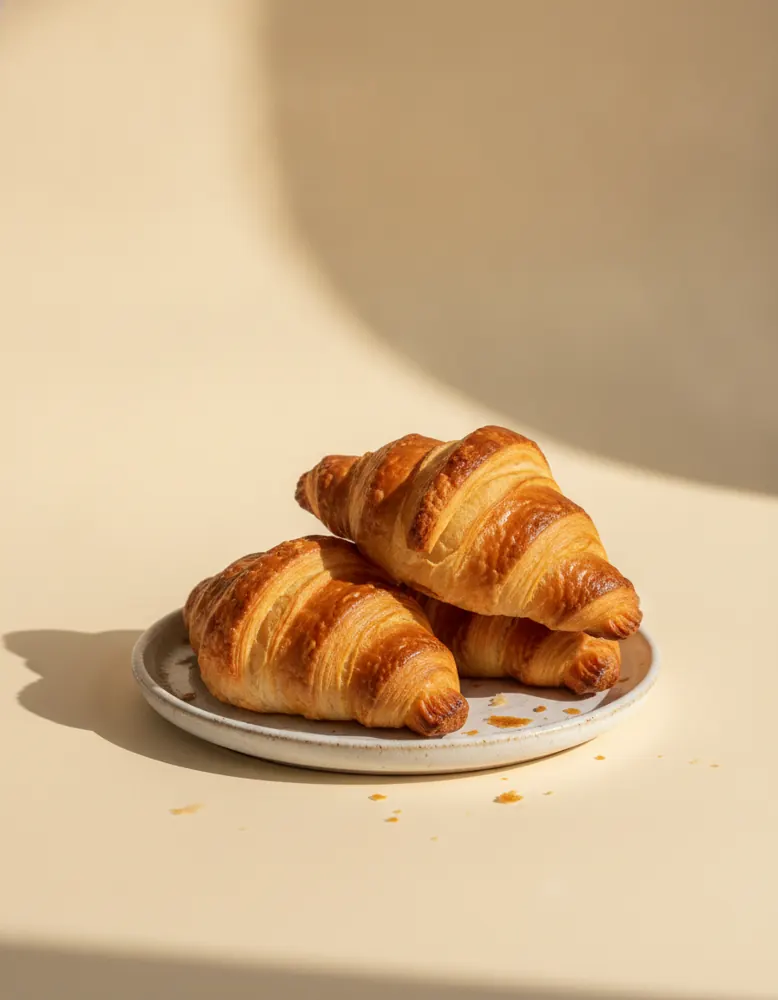
Butter Croissants (3)
$8.00
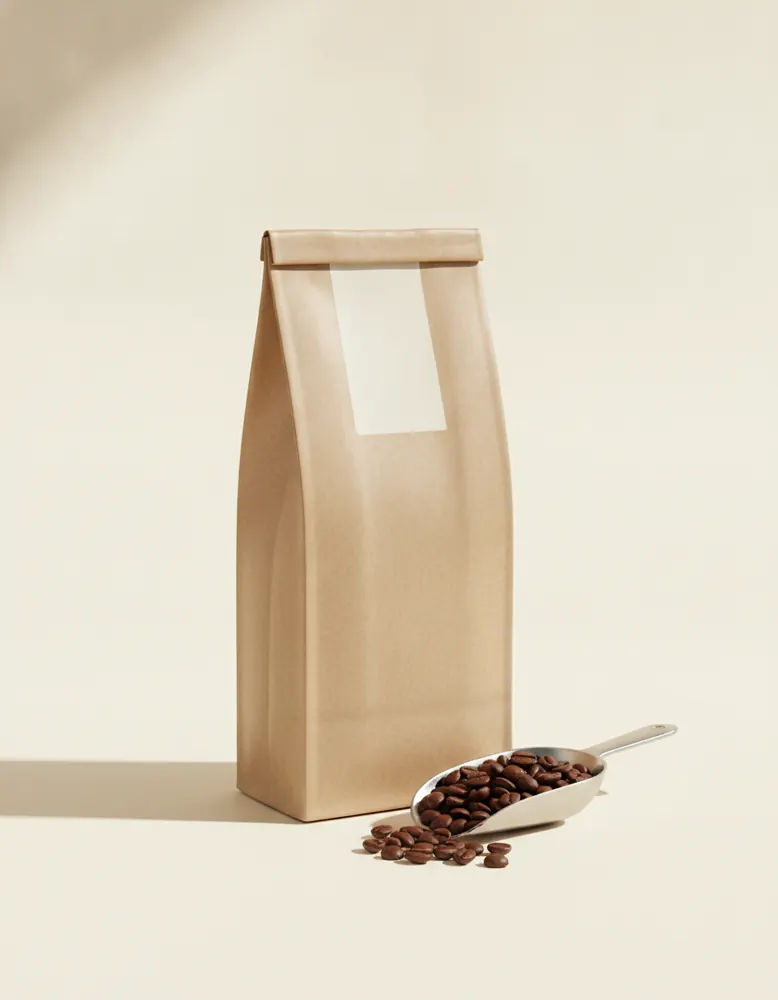
House Coffee Beans
$16.00
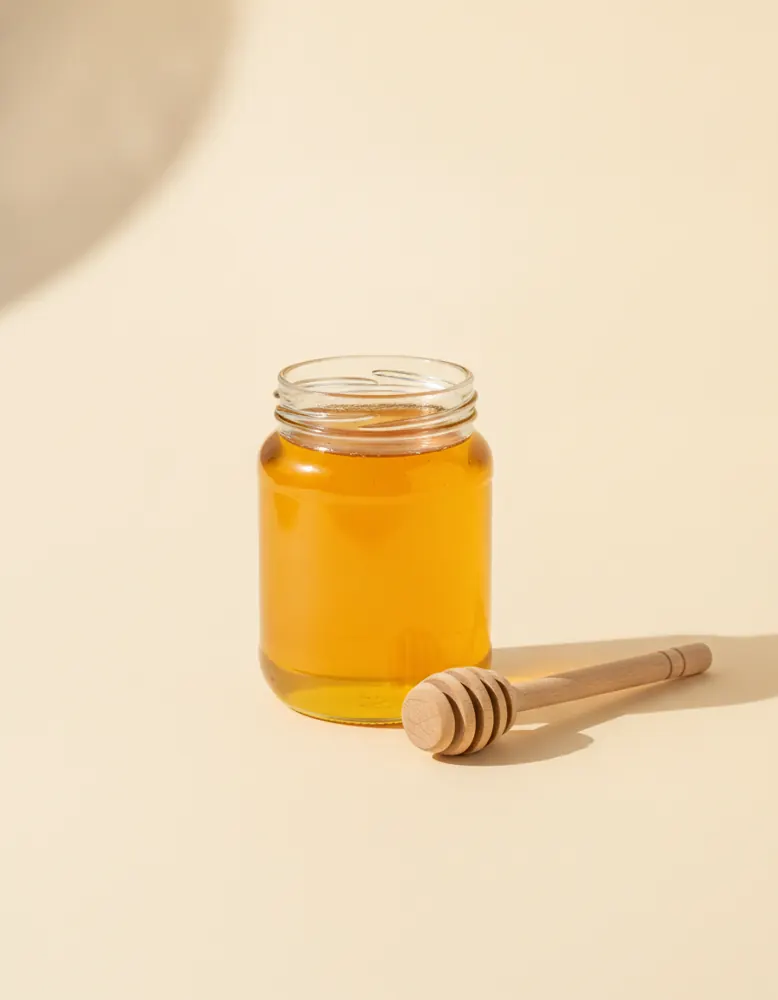
Raw Wildflower Honey
$12.00
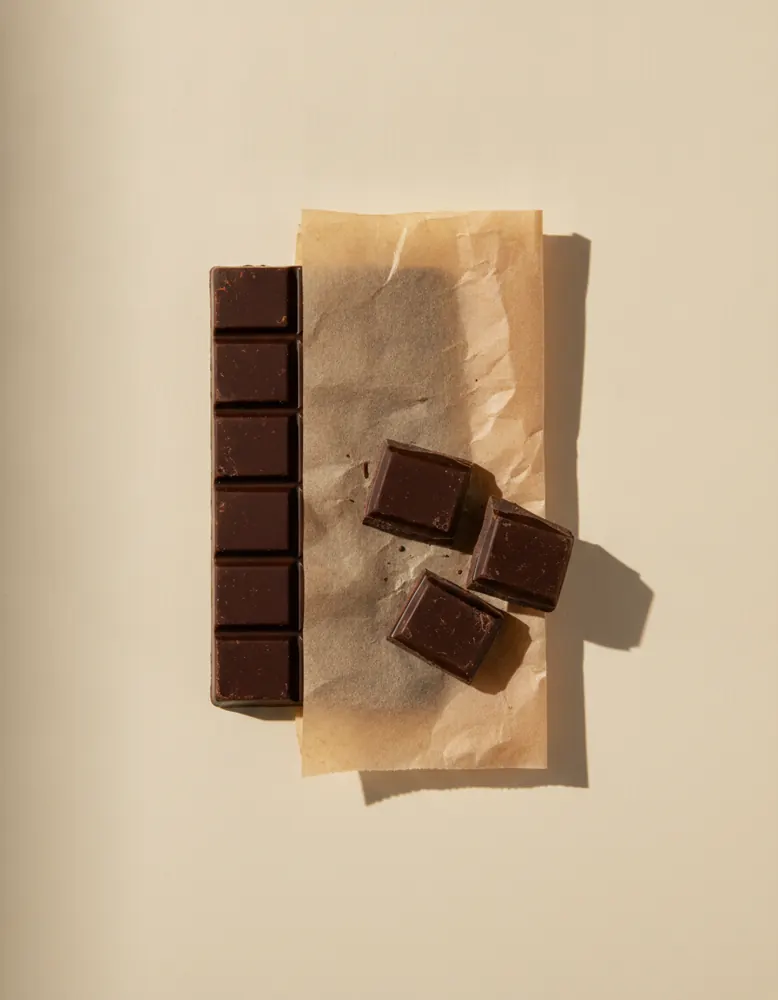
Dark Chocolate Bar
$6.00
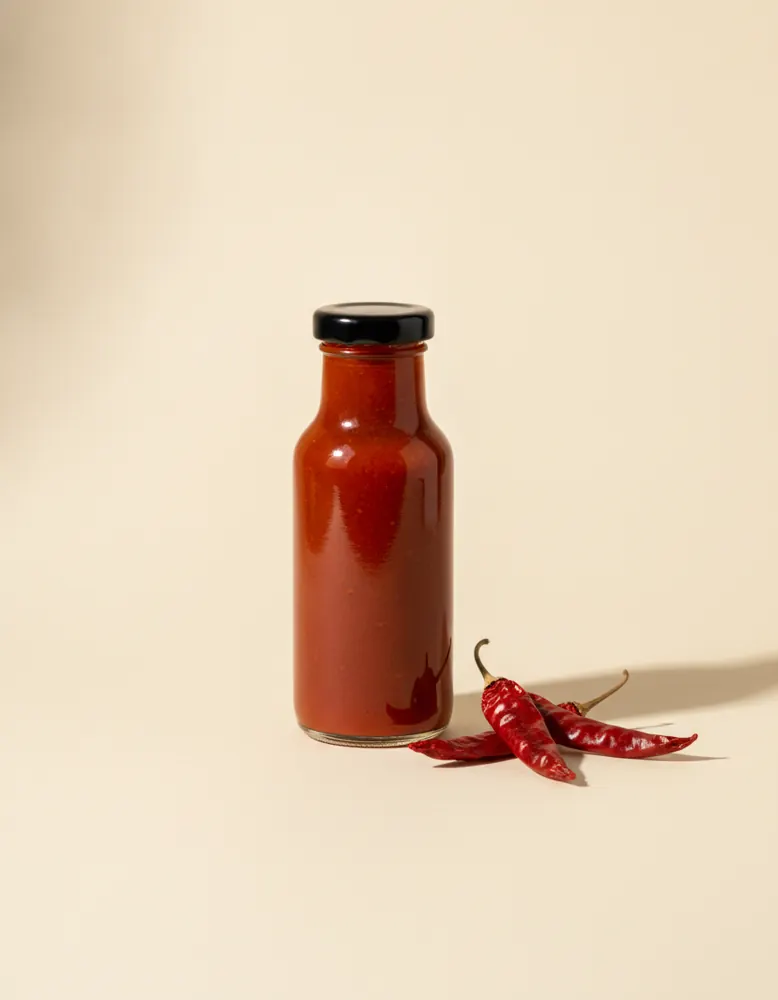
Hot Pepper Sauce
$7.00
Open in the playground
It opens on a page of its own in the canvas, ready to change. No account needed.
Make it yourself
- Drag in a List of products. In its Design tab, under How many, choose All, a page at a time, with 8 per page.
- Draw a box above it and choose ⋯ › Turn into › Search box. Under Narrows down, pick the product list. Do the same for a Sort menu.
- Make a chip for the filters: a small text in a rounded box, with Shows set to Name. Make it a component, and give it a Chosen look under Style.
- Drag in another list beside the search box. Set its Records to Collections, Each item uses to your chip, and its layout to Row.
- In that list's Behaviour tab, set When one is clicked to Narrow the product list to what belongs to it. Clicking a chosen chip again shows everything.
- Add an All button with When clicked set to Show all, so shoppers can clear the search and the filters in one go.
- Under the products, add a Show more button: When clicked › Show more. It hides itself when there's nothing left.