Recipe
Quick view
Click a product and it opens in a pop-up over the page: a bigger photo, the price and Add to cart, without leaving the list.
- Make it current and open a pop-up
- Read data from
- Add to cart
- Close the layer
New in
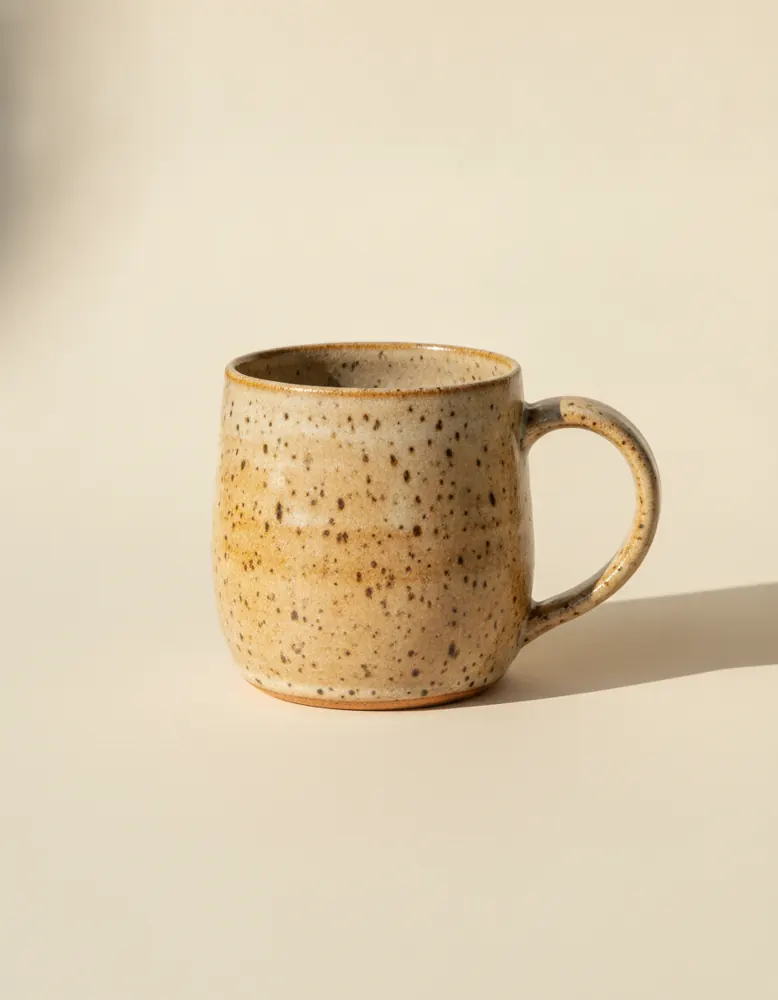
Stoneware Mug
$24.00
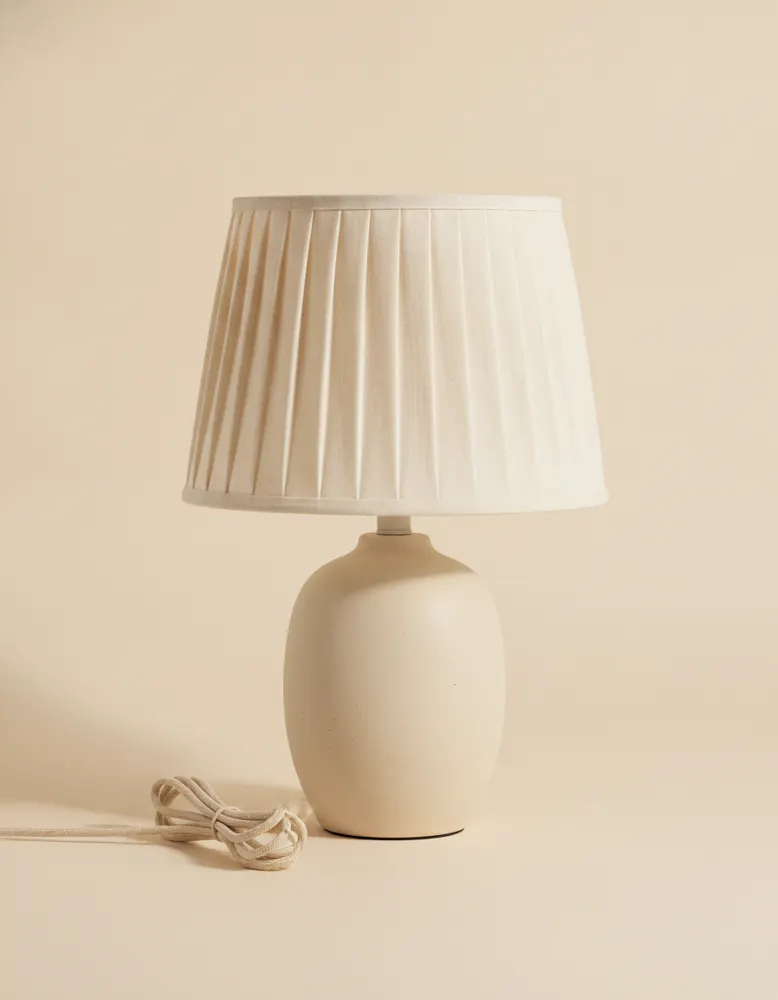
Pleated Table Lamp
$96.00
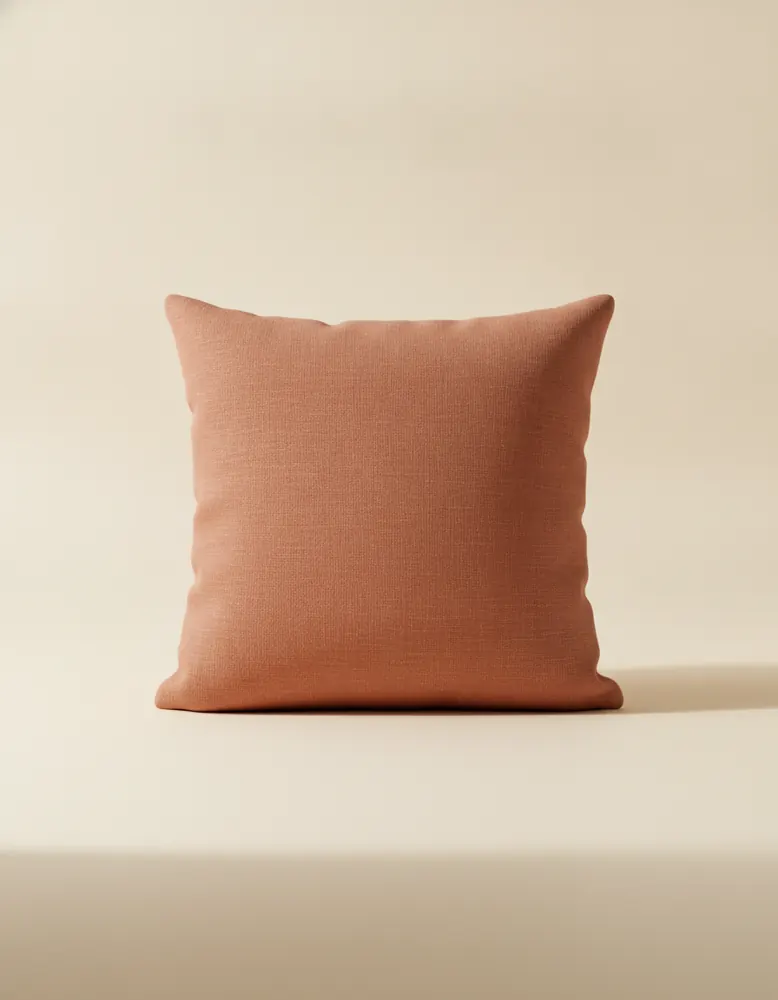
Linen Cushion
$38.00
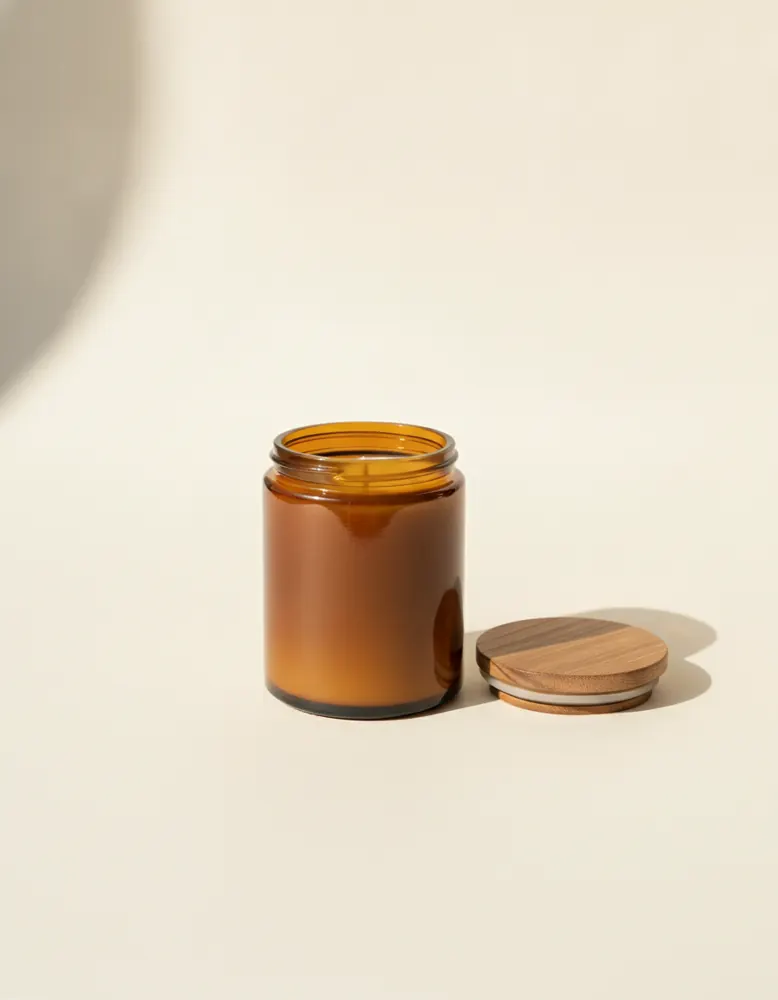
Soy Candle
$28.00
Open in the playground
It opens on a page of its own in the canvas, ready to change. No account needed.
Make it yourself
- Add a List of products with your card, as usual.
- Draw a box for the quick view and choose ⋯ › Turn into › Pop-up. A pop-up covers the screen: give it a see-through dark background, and set its layout to Stack, centred.
- Inside it, draw the card: a photo, the name, the price, an Add to cart button and a Close button, on a paper background with round corners.
- Group the photo, name, price and button into a box, and set its Read data from to the current item of the list. Set each part's Shows.
- Select the list and, in its Behaviour tab, set When one is clicked to Make it current and open “Quick view”.
- Set the button's When clicked to Add to cart, and the Close button's to Close the layer.