Showing your products
Lists
A list is a box that repeats one component for every record it holds: a card for each product, a chip for each collection, a photo for each of a product's pictures. Add a product, and it shows up in every list it belongs to.
Records
Layout
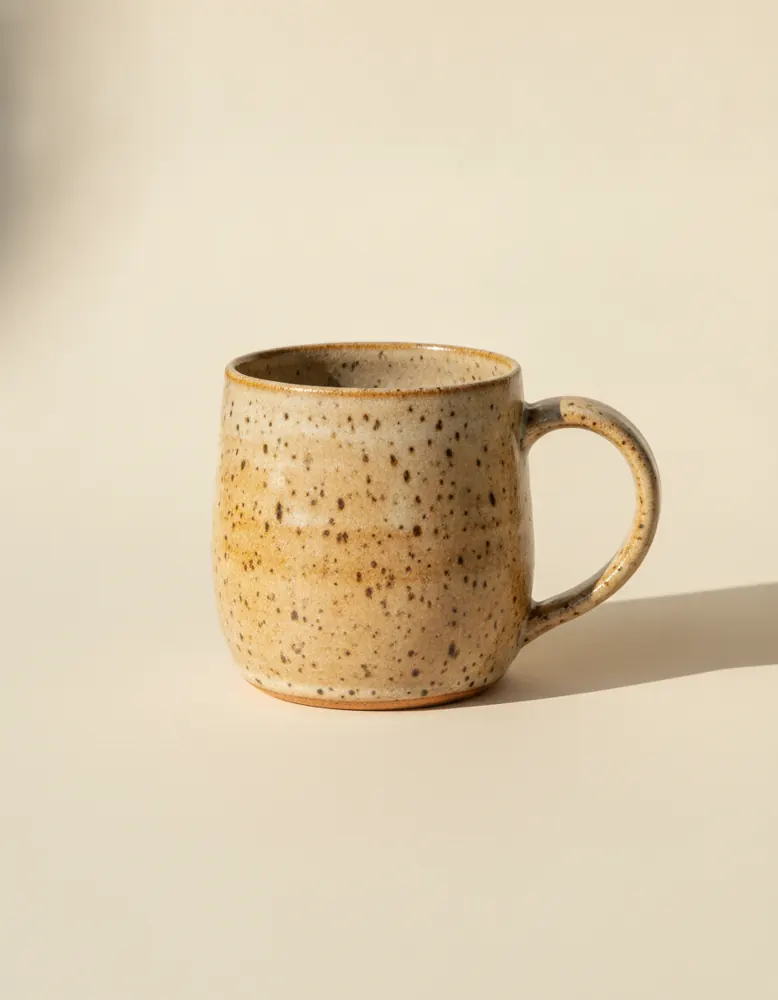
Stoneware Mug
$24.00
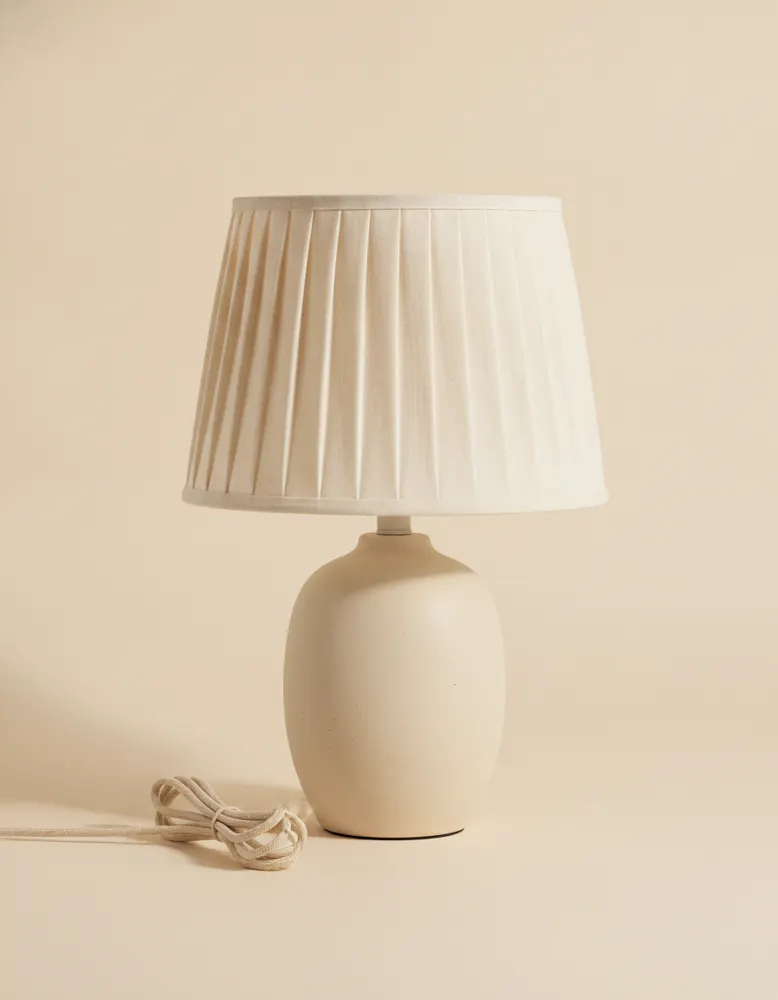
Sale
Pleated Table Lamp
$96.00
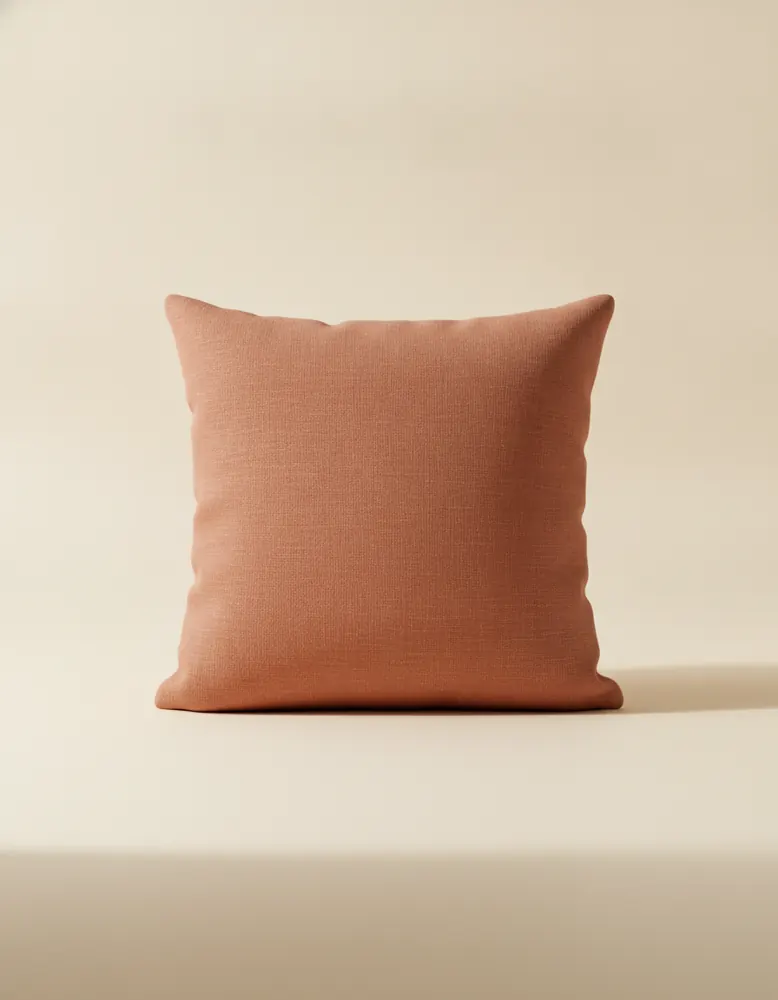
Linen Cushion
$38.00
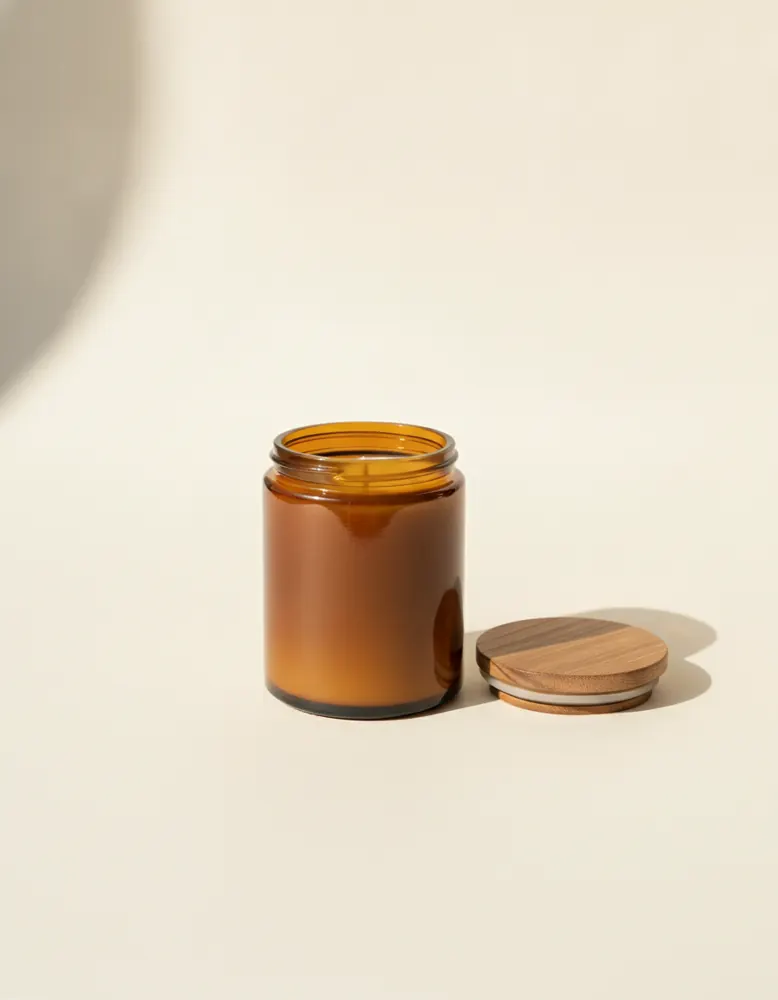
Soy Candle
$28.00
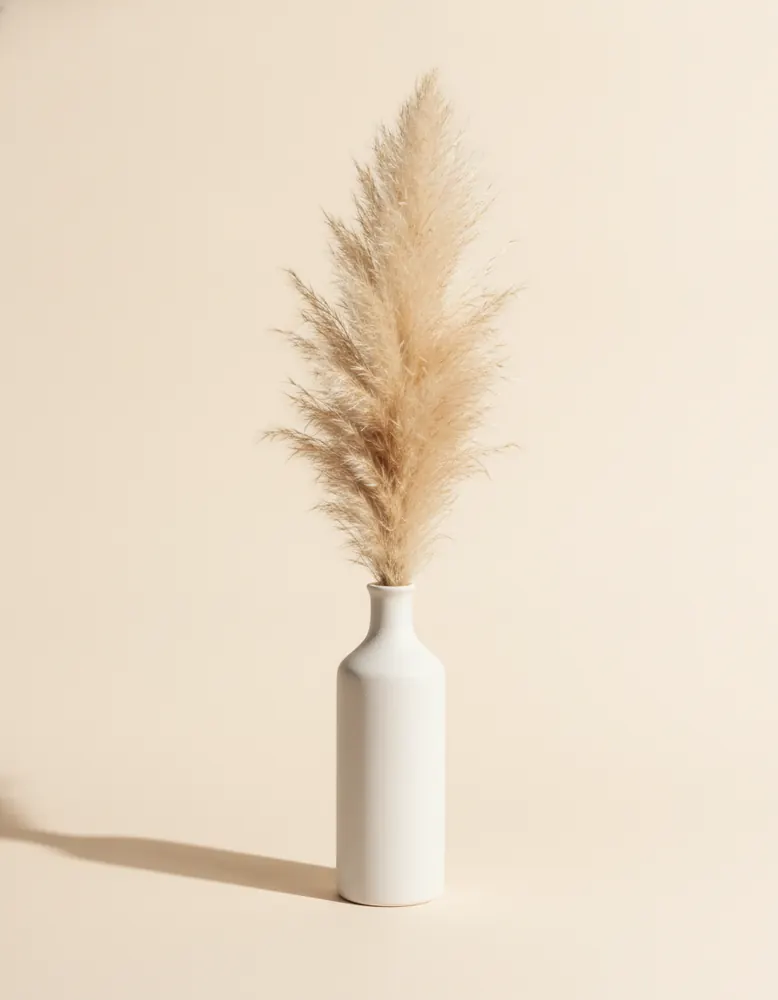
Ceramic Vase
$42.00
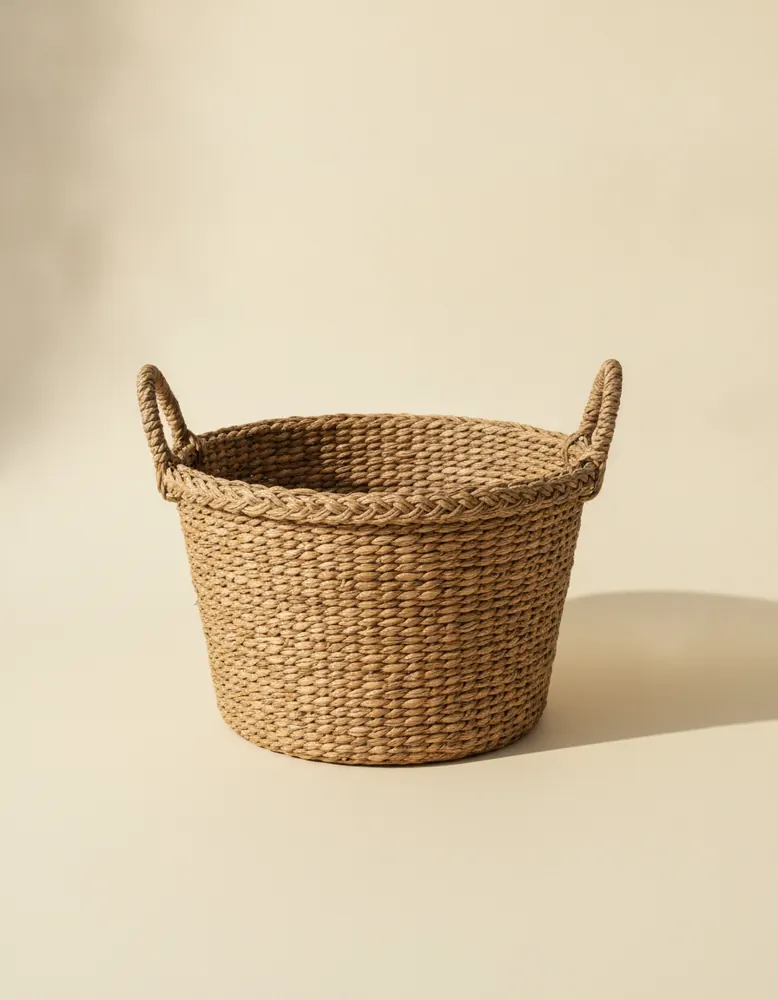
Rattan Basket
$34.00
How to make one
- Open the Library on the left and drag List of products onto the page. It arrives showing VendBender's product card.
- Or turn a box you drew into one: select it and choose ⋯ › Repeat a list in this box.
- Pick what it holds and which component it repeats in its Design tab.
Design
- Records
- From the store: all products, a collection's products, the collections themselves, tags, or the cart's lines. Inside the item it sits in: a product's photos or its choices, like sizes.
- Show only
- Everything, or only the records where something holds: on sale, in stock, sold out.
- Order
- As listed, newest first, by price, A to Z. Or pick products by hand, in the order you want.
- How many
- A fixed number, or all of them a page at a time, with a Show more button.
- Show fewer on phones
- A shorter list on phones, where a long one means a lot of scrolling.
- Each item uses
- The component repeated for each record.
- How the items are arranged
- Grid, row, stack or carousel, with the gap between them, the same as any box.
Behaviour
- When one is clicked
- Open its page (a product's page, say); make it the current item; make it current and open a drawer or pop-up; narrow another list to what belongs to it; or nothing.
- The current item follows the pointer
- On computers, pointing at an item makes it the current one, with no click.
The current item is the one a shopper picked. Anything else on the page can show it: select it and set Read data from to the list. That's how a size picker, a gallery or a close-up works.
Good to know
- Double-click a list to open its component and change every item at once. If it's VendBender's own card, you get your own copy to change.
- A list on a product's page can hold that product's photos or sizes: pick Inside the item it sits in under Records.
- Lists show the products as they are now. Change a price in Products, and every list shows the new one.
Recipes that use it
- SpotlightA row of small photos under one big one. Point at a product, or tap it on a phone, and it fills the big frame with its name, price and a link.
- RackClothes hang on a rail, overlapping like hangers. The one under the pointer swings forward, the rest fade back, and its name and price show above the rail.
- Shop with filtersA search box, a sort menu and a chip for each collection, all narrowing one list of products as the shopper types and clicks. It shows eight at a time, with Show more for the rest.
- Quick viewClick a product and it opens in a pop-up over the page: a bigger photo, the price and Add to cart, without leaving the list.
- Size pickerA chip for every size, the chosen one filled in and sold-out ones marked. Add to cart adds exactly the size picked.