Showing your products
The cart
Any button can be Add to cart. A bag can count what's in the cart, and a drawer can show it, with quantities and a Checkout button. The cart lives on the shopper's device, so it's there when they come back.
Pantry
Bag
0
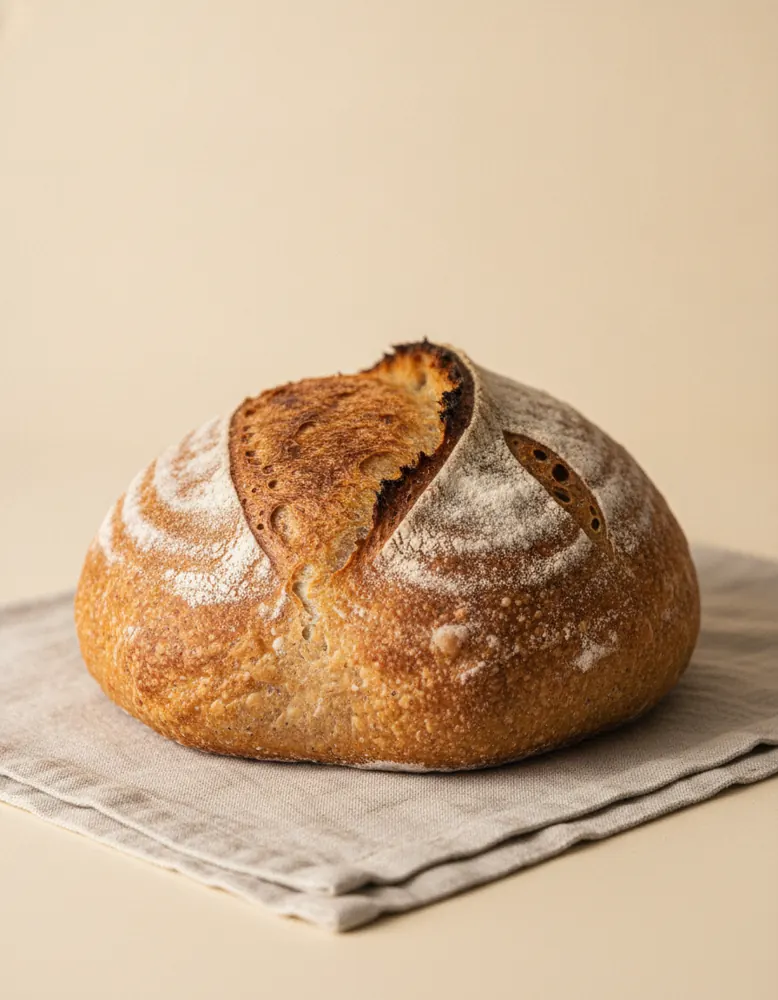
Sourdough Loaf
$9.00

Butter Croissants (3)
$8.00
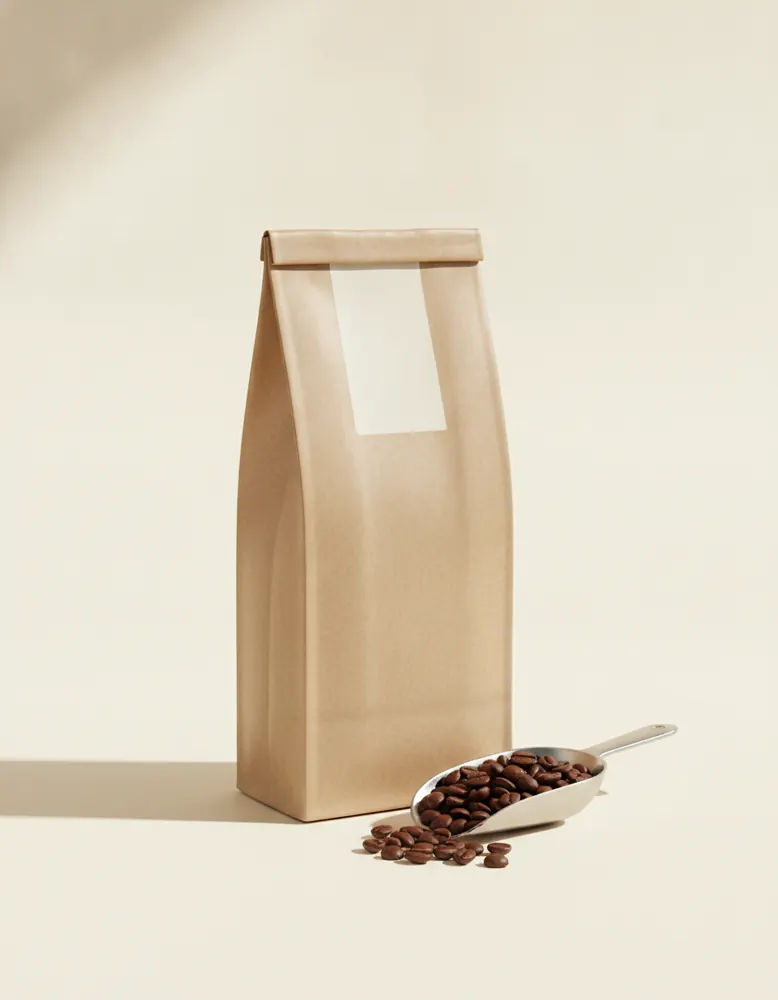
House Coffee Beans
$16.00
Add to cart
- Put a button where it can read a product: inside a product card, or in a box that reads This page's product.
- In its Behaviour tab, set When clicked to Add to cart.
- Under After adding, choose what happens next: open the cart drawer, show a short note, or go to a page.
The bag
- Make a small box with a text inside.
- Set the box's Read data from to The cart, and the text's Shows to the number of items.
- Set the box's When clicked to open the cart drawer.
The cart drawer
The Library has VendBender's Cart drawer, ready to use: the lines, a subtotal, and Checkout. Most themes already have one in their header. To change it, choose ⋯ › Make my own and edit.
- Lines
- A list of the cart's lines, repeating the Cart line component: photo, name, choice, price, and buttons for one more, one fewer and remove.
- When empty
- A box that shows only when the cart has nothing in it.
- Subtotal and Checkout
- Shown only when the cart has something in it.
Good to know
- Checkout is the same for every store: quick, in your colours, with the ways to pay you've turned on.
- Prices in the cart are for show; the order is priced again at checkout, so a changed price can't slip through.
- The canvas shows a sample cart, so you can design the drawer with things in it.