Recipe
Rack
Clothes hang on a rail, overlapping like hangers. The one under the pointer swings forward, the rest fade back, and its name and price show above the rail.
- A gap below 0 (overlap)
- Hovered and Another one hovered
- The current item follows the pointer
- Read data from
Linen Overshirt
$68.00
Leather Tote
$120.00
Heavy Cotton Tee
$32.00
Cable Knit Sweater
$84.00
Penny Loafers
$140.00
Pleated Trousers
$76.00
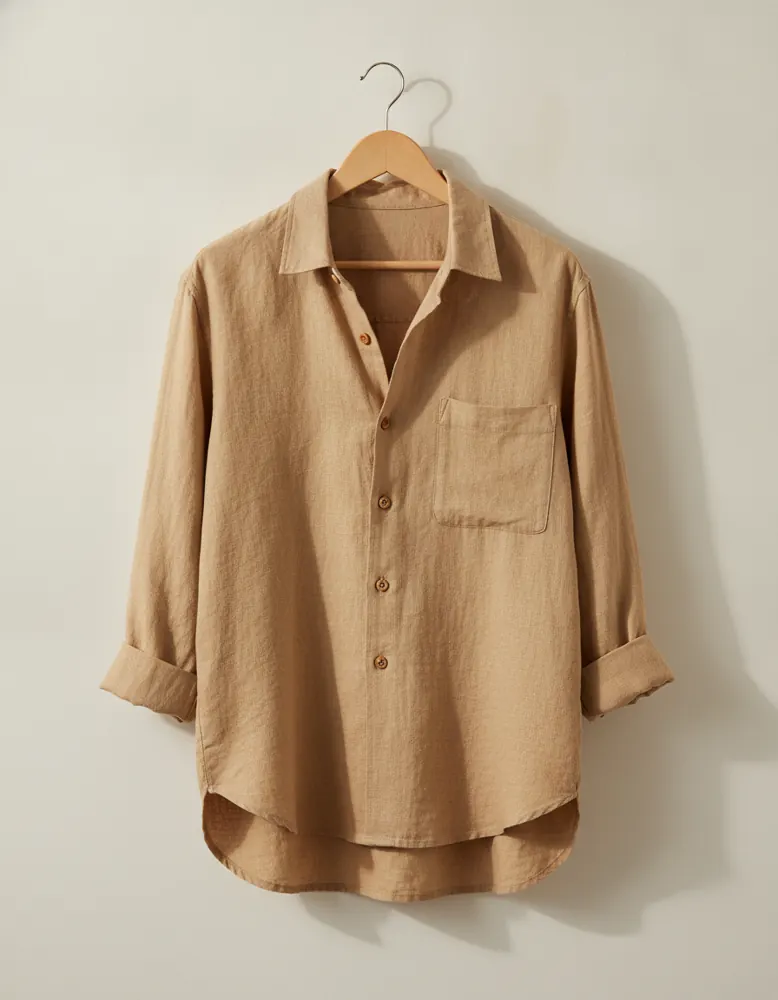
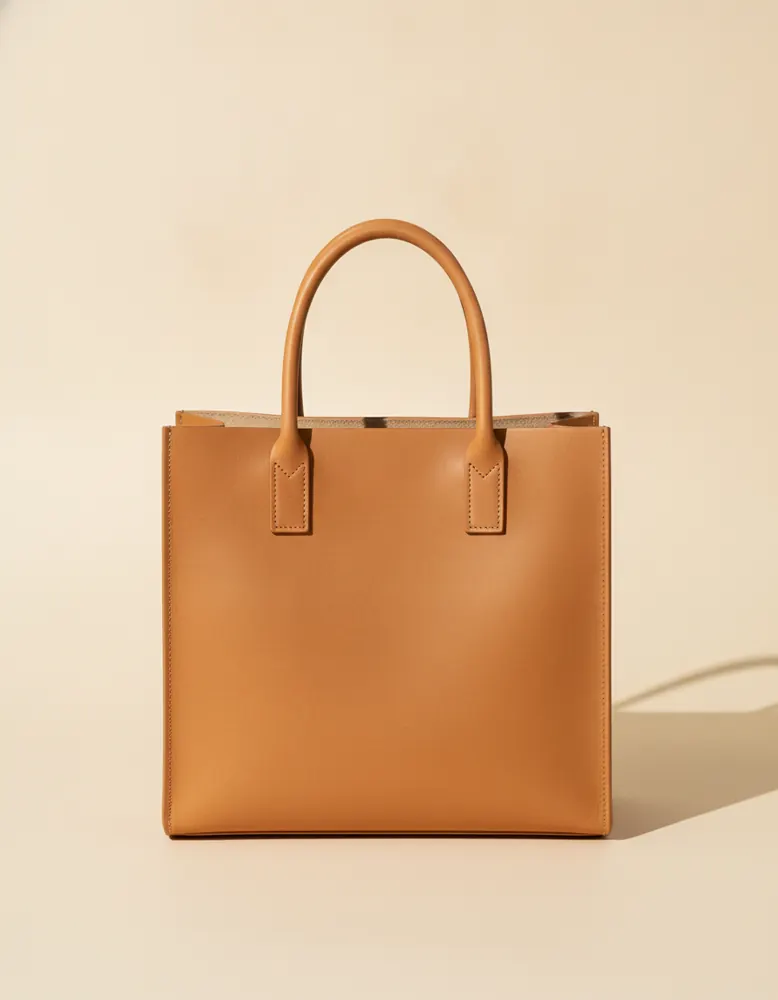
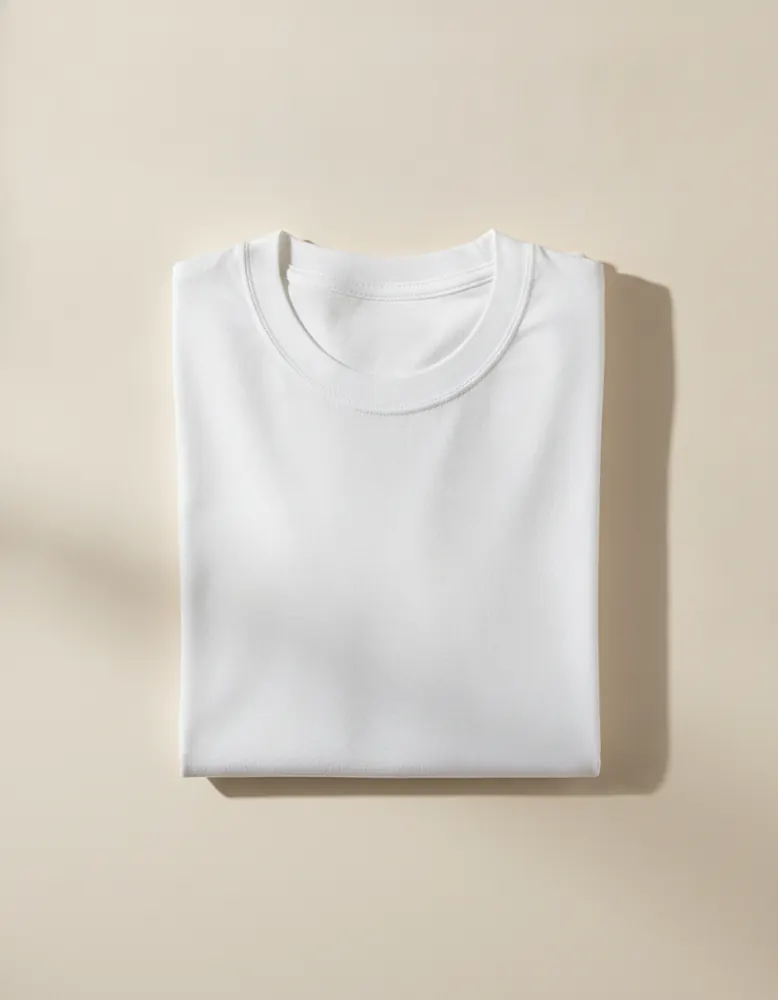
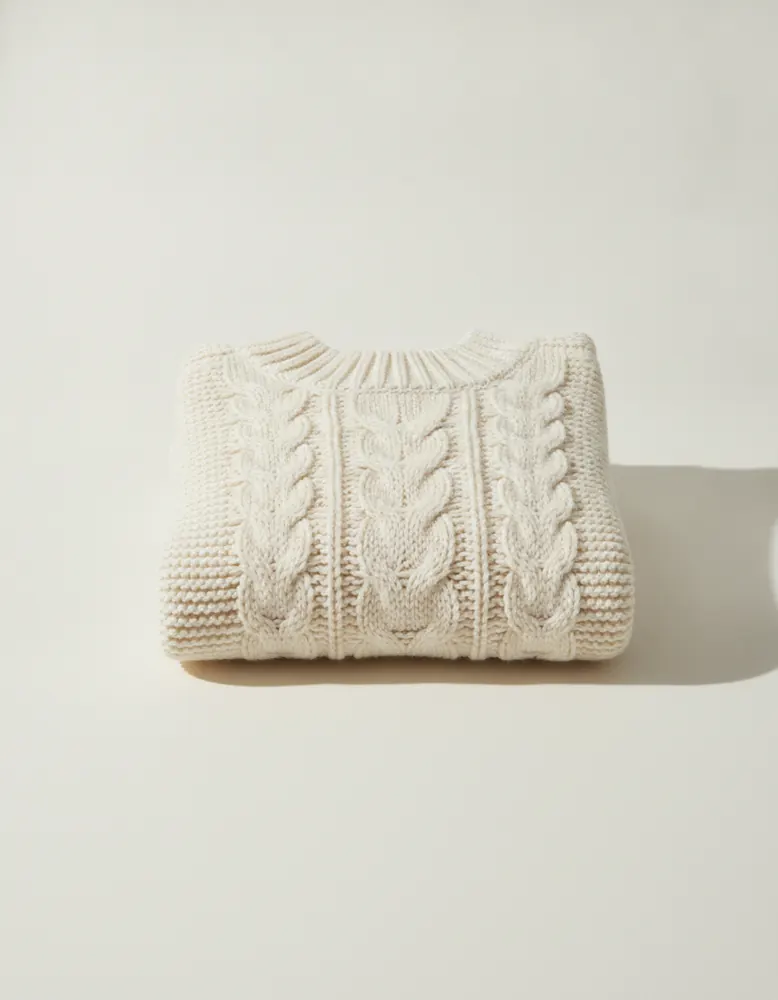
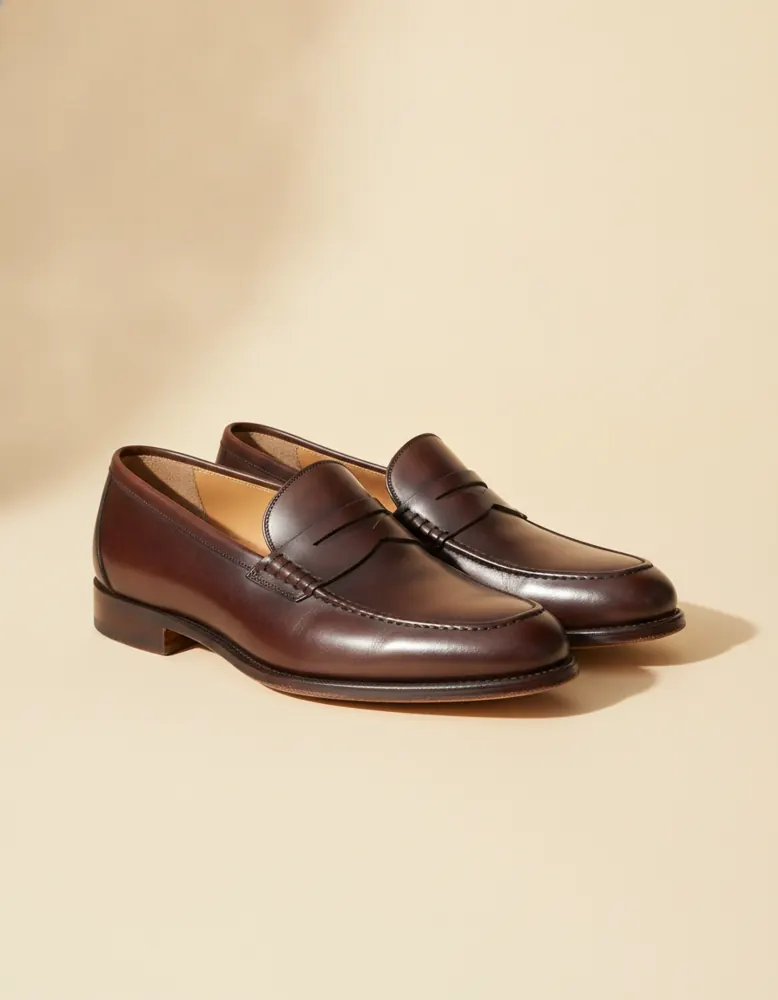
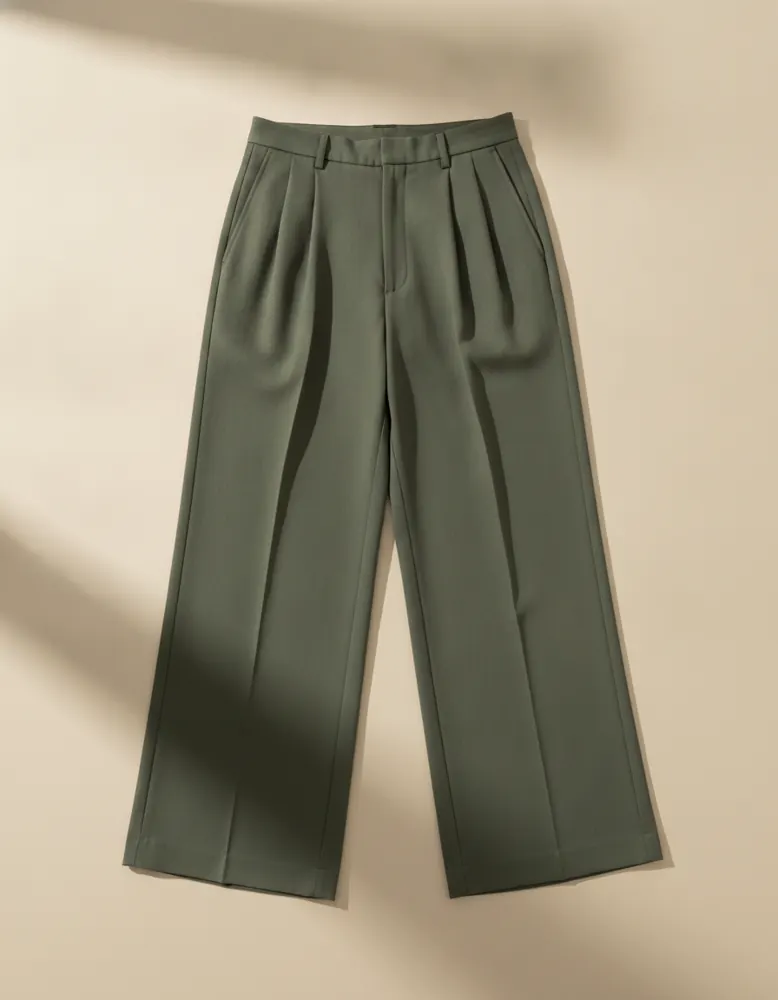
Open in the playground
It opens on a page of its own in the canvas, ready to change. No account needed.
Make it yourself
- Make the hanger: a thin box for the hook with an image under it, grouped into a box set to Stack, centred. Choose ⋯ › Make component and call it Hanger.
- Open the Hanger and select its image. In the Behaviour tab, set Shows to Photo.
- Select the Hanger's box and open Style › Hovered: Size 125%, Bring to the front, Make room 60, and Grow from Top.
- Still in Style, open Another one hovered and set Opacity to 55%, so the others fade back.
- On the page, drag in a List of products. Pick Hanger under Each item uses and one collection under Records.
- Set the list's layout to Row and its gap to −130. Below 0, the items overlap.
- In the list's Behaviour tab, tick The current item follows the pointer.
- Above the rail, put a heading and a price in a row. Set the row's Read data from to the rail's current item, and their Shows to Name and From price.